How HOAs Can Manage Gate Access for Short-Term Rentals
A gatehouse guide to Airbnb and vacation rental arrivals, from the owner’s first authorization to late checkouts and expiring passes.
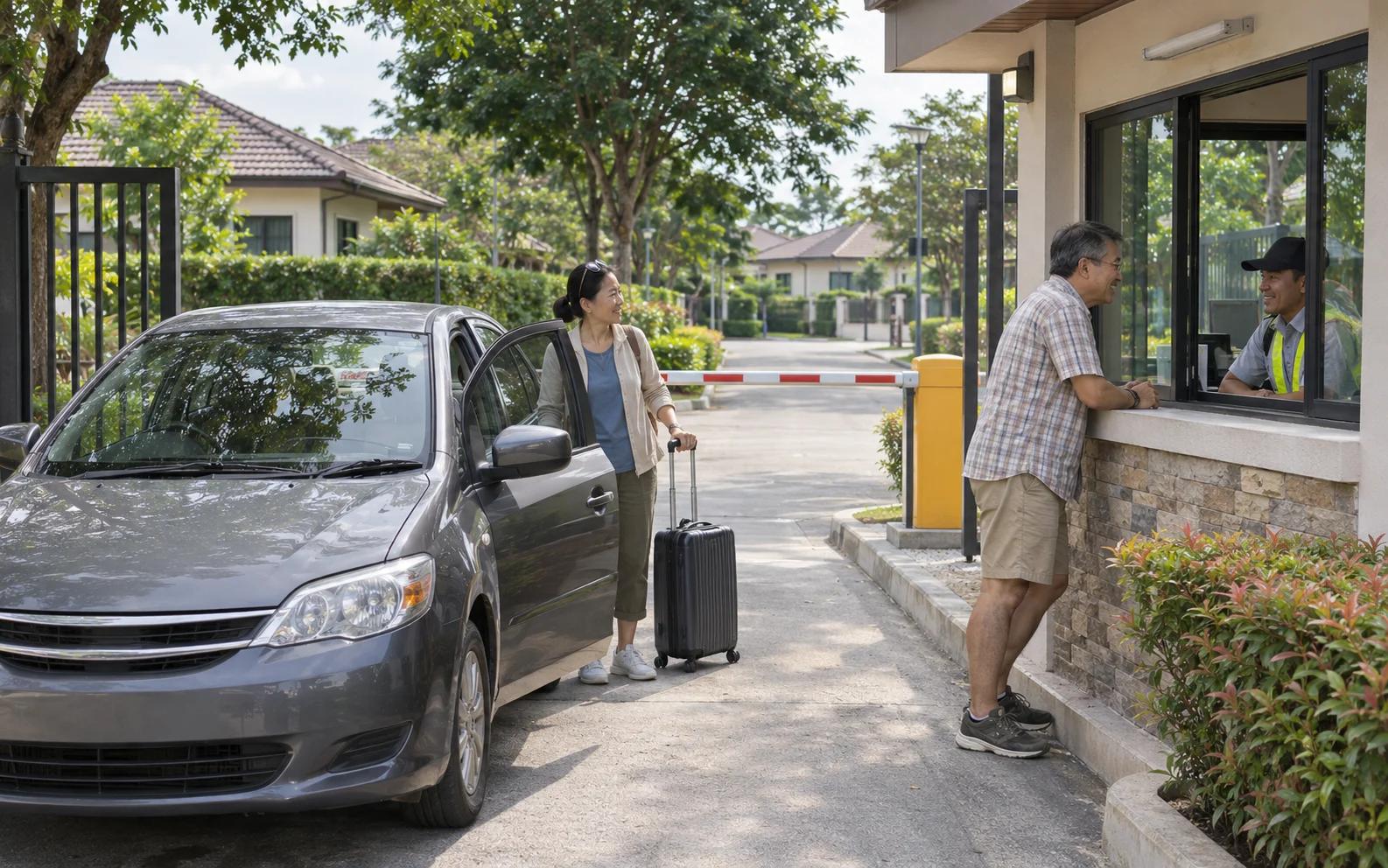
A guest arrives Friday evening with an Airbnb confirmation. The booking is in their partner’s name, the partner is still on the road, and the gate attendant has a line of cars waiting. What can the attendant check, and who can approve the arrival?
For an HOA that permits short-term rentals, the most useful starting point is a record the gatehouse can trust. It should say who authorized the stay, which guests may enter, when their access begins and ends, and whom staff can reach if the details change.
Before arrival, give the gatehouse one approved record
Have the owner or authorized property manager register the stay through your community’s usual approval process. Collect the details staff actually use at check-in:
- The property address and the owner or manager responsible for the stay.
- The names of approved arrivals, including anyone arriving separately.
- Arrival and departure dates, with a local start and end time.
- The entrance guests should use and an after-hours contact for exceptions.
- Vehicle details only when the community uses them to verify entry.
Send each guest directions to the correct entrance, the check-in window, and the pass or identification your process requires. Keep the instructions for opening the rental home separate. A guest may be authorized to enter the community before the owner is ready to hand over the house.
At the gate, verify the person against the stay
At a staffed entrance, the attendant can look up the property, check the arrival against the approved names, and follow the community’s check-in procedure. In the Friday example, a second guest listed on the record can be checked in independently. If the name is missing, staff should contact the designated approver using the contact details already on file. Give the driver a safe place to wait while the discrepancy is resolved.
At an unattended entrance, tell guests ahead of time how to reach assistance if the reader does not accept their credential. Test that process during the hours your guests actually arrive. A management-office number that goes to voicemail at five leaves a late arrival stranded.
When the booking changes, update the gate record
Agree who can change access and how the update reaches the next shift. Three cases are worth rehearsing:
- A guest extends the stay. The authorized manager confirms the new departure time, updates the record, and checks which credentials need a new end time.
- The owner cancels before arrival. Staff withdraw the approval, check any issued credentials, and update the gatehouse arrival list.
- A cleaner arrives between bookings. Use the community’s service-provider process with its own authorization and hours. That gives staff a record of the visit and lets the previous guest’s access end on schedule.
For example, if checkout moves from Sunday at 10 a.m. to noon, the management record, guest instructions, and gatehouse view should all agree on noon. If renters may use the pool, check the amenity gate permissions and the pool schedule separately.
At checkout, confirm when each credential stops working
A reservation end time, a pass displayed in a phone wallet, and a gate controller’s permissions are three different things. Ask your provider what triggers removal at each entrance, how long changes take to reach the device, and where staff can see a failed update. Assign someone to review exceptions before the next guest arrives.
GoRental ties eligible tenant passes to lease records. Device access and cleanup depend on the connected equipment and its configuration. For a weekend-rental workflow, confirm the supported time granularity, same-day changes, and after-hours process for your particular gates.
What to test in a vacation rental gate access demo
Give the provider a fictional Friday-to-Sunday stay. Ask them to register two guests arriving in separate cars, process an early cancellation, extend checkout by two hours, and show what the gate attendant sees after each change. Finish by checking access at the vehicle gate and at one amenity entrance after the stay ends.
If bookings come from Airbnb or a property management system, ask who enters the dates, which changes sync, and who gets notified when a sync fails. If updates are manual, have the provider show the steps your weekend staff will perform. Use the same example when comparing proposals so your board can weigh the work alongside the equipment, setup, and ongoing costs.