
Vendor access management

GoVendor

Manage vendor visits around your community’s rules.

Support vendor visits within your community’s operating model, with workflows shaped around your people, policies, and daily routines.

Illustrative maintenance vendor with a phone and tool bag checking in at a community gatehouse

Inside GoVendor

Vendor access, built around your community.

  • Vendor visits

    Start with how your community manages vendor visits today and identify the supported workflow that fits those routines.

  • Community rules

    Shape the workflow around your community’s roles and policies, with the configuration confirmed alongside your team.

  • Connected context

    Keep vendor visits within the broader visitor-management picture, alongside the access activity your community manages.

Onboarding & compliance

Vendors onboard themselves. You approve.

Service companies sign up, add their employees and vehicles, and upload the documents your community requires, each with an expiration date.

  • Business license, liability insurance, workers’ comp, vehicle registration, and vehicle insurance
  • Optional manager approval before a vendor can buy passes
  • Document expiration dates for your team’s approval review
  • Optional onboarding video for new vendors
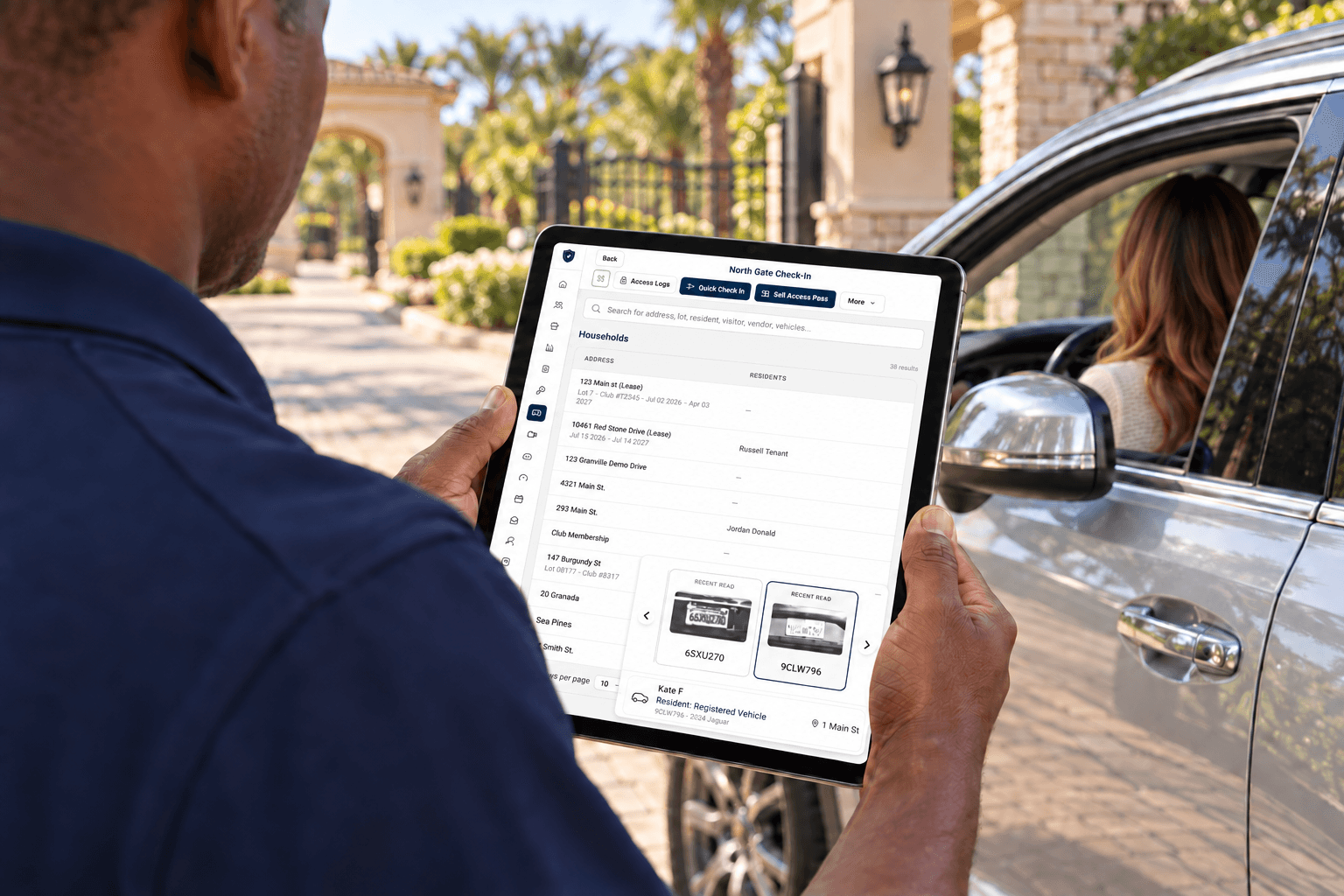
Passes & payments

Sell vendor passes online or at the gatehouse.

Set up pass types with a price and duration. Vendors buy online, or staff sell at the gatehouse by card reader or cash, and guards check passes at the gate.

  • Online checkout, with card fees covered by the community if you choose
  • Point-of-sale card readers, cash sales, refunds, and a cash report
  • Pass renewals and email expiry reminders, with delivery setup confirmed
  • Printable passes and access logs by vendor, pass, and vehicle

Built for every role

Less paperwork for everyone at the gate.

  • Vendors

    • Self sign-up and company profile
    • Add employees and vehicles
    • Buy and renew passes online
  • Gate staff

    • Check vendor passes at the gate
    • Sell passes by card or cash
    • Print passes on request
  • Managers

    • Approve vendors and review documents
    • Set pass types, prices, and limits
    • Review sales, refunds, and access logs

Configured for your community

Your community’s standards, in every visit.

Every community has its own approach to service providers. We work with your team to understand the current process, the roles involved, and the policies that guide vendor access before confirming the supported scope.

Product availability and scope are confirmed for each community configuration.

Questions from communities

Vendor and contractor access, around your rules.

A recurring pool-service visit, a delivery, and a construction contractor can require different approval procedures. Map each type of visit to the household, staff role, and community policy that governs it.

How are vendor visits connected to visitor management?

GoVendor supports service-provider access workflows within the wider GoAccess visitor-management picture. Residents and staff work within the roles and procedures configured for the community.

Can we define different procedures for recurring contractors?

Bring your recurring-vendor rules, permitted schedules, approval requirements, and exception procedures to the configuration review. The team confirms which workflows are supported in your proposed deployment.

Does GoVendor collect insurance and license documents?

Yes. Vendors upload the documents your community requires, such as a business license, liability insurance, workers’ compensation, and vehicle registration and insurance, each with an expiration date. Your team decides which documents are required and who reviews them. Confirm how expired documents affect approval and passes during setup; automatic revocation must be enabled and verified for your deployment.

How do pass expiry and document expiry differ?

A pass has its own validity period, based on its type and activation rules. A document has a separate expiration date for review. An expired document does not necessarily cancel a pass, and an expired pass does not establish that someone has left the property. Confirm the entry checks, review procedure and any connected gate behavior in your deployment.

The GoAccess suite

Works alongside

View all products