HOA Gate Access Maintenance: A Practical Checklist
Plan HOA gate-access maintenance with clear staff and installer responsibilities, service records, outage procedures, and replacement budgeting.
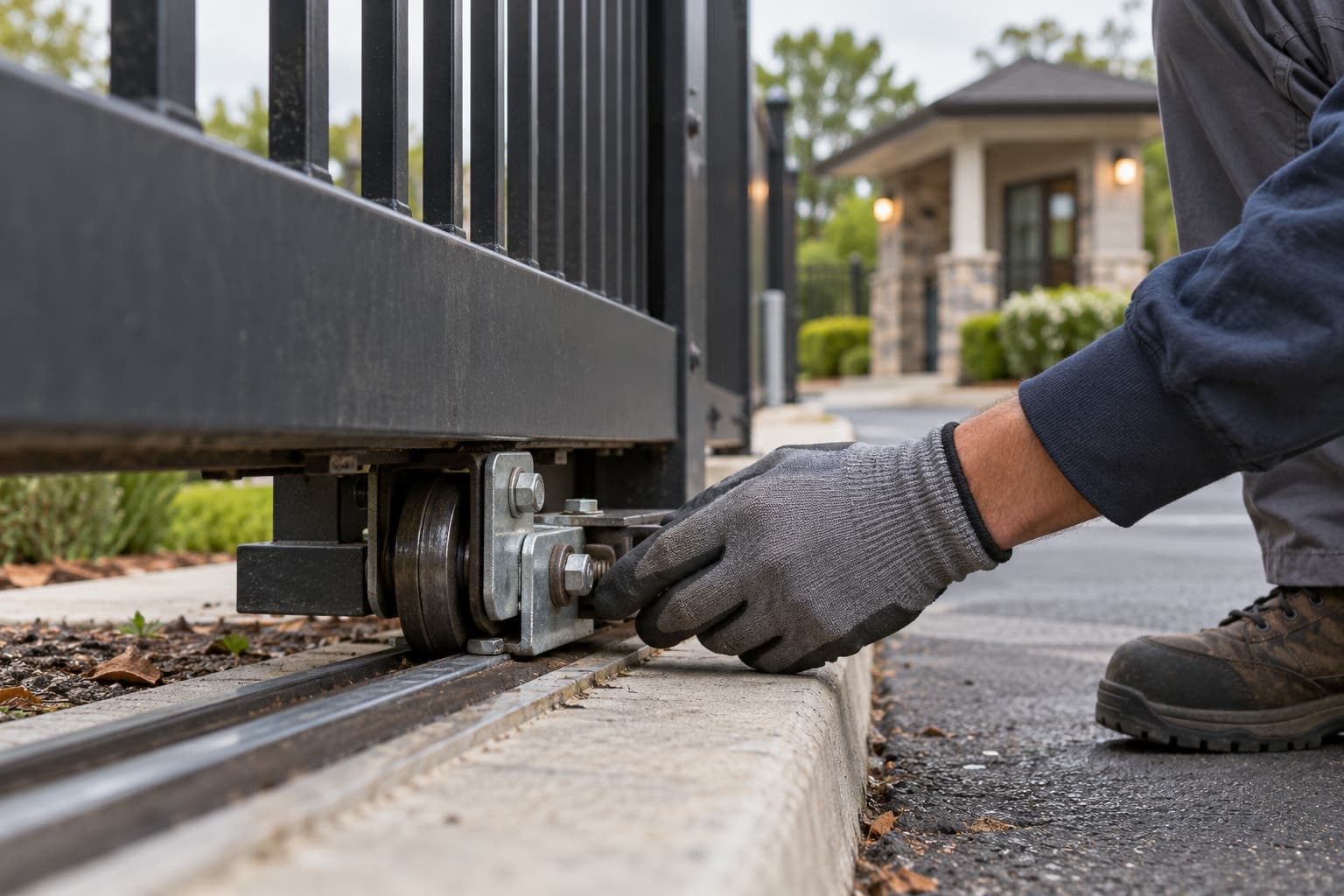
A gate-access maintenance plan should tell your community who owns each problem, how to report it, and which work requires a qualified installer. It should cover the physical gate, access equipment, connectivity, and administrative records without treating them as one interchangeable system.
Use the equipment manufacturer’s instructions and your installer’s service plan to establish inspection intervals. A generic monthly or annual checklist cannot account for every operator, usage level, or installation.
Start with an equipment and responsibility register
Record the model, location, installer, warranty contact, and support owner for each component. Keep manuals and service records available to authorized staff.
| Area | Community team’s responsibility | Specialist responsibility to confirm |
|---|---|---|
| Gate and operator | Report unusual behavior from a safe location | Mechanical servicing, electrical work, and operating adjustments |
| Safety equipment | Report damage or suspected malfunction promptly | Inspection and testing using the prescribed procedure |
| Readers and credentials | Record which credential and entrance failed | Diagnose reader, controller, wiring, and compatibility issues |
| Network and power | Record outages and affected workflows | Diagnose connectivity, power, and approved backup arrangements |
| Software and permissions | Review staff access and outdated records | Confirm supported configuration, update process, and recovery |
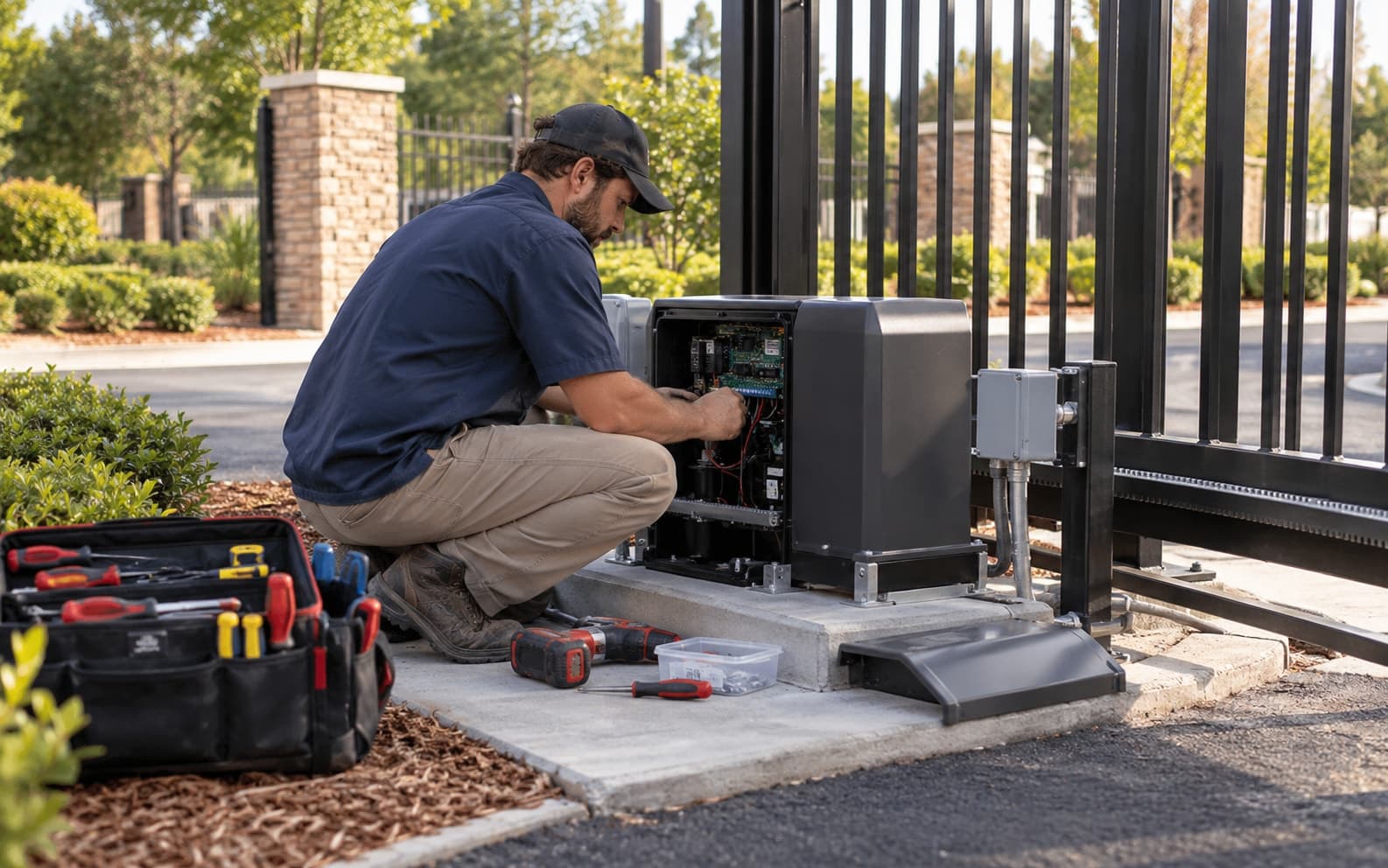
Staff should not bypass sensors, open electrical cabinets, or improvise a test by standing in a gate’s path. Have the qualified installer define a safe response when equipment behaves unexpectedly.
Make incident reports useful
A report such as “the gate is broken” leaves the support team guessing. Record the entrance, time, observed symptom, affected credential type, and whether other users were affected. Describe recent outages or authorized changes. Share private visitor details only through the approved support channel.
Distinguish a rejected permission from a device failure. For example, an expired guest authorization and an unresponsive reader need different investigations. Ask the team to preserve relevant records before changing configuration.
Review permissions as well as hardware
Assign someone to review departed staff, changed households, expired temporary access, and recurring service providers. Use an approved process for corrections so that an old list does not overwrite valid changes.
For contractors, the vendor-access guide provides a workflow for approvals and expiration. For volunteers, the self-managed HOA guide explains handovers and backup administrators.
Do not assume all device firmware is managed through the visitor application. Ask which vendor handles each update, whether a service window is needed, and how staff verify normal operation afterward.
Document outages and recovery
Agree what staff should do when the gatehouse device, internet service, controller, or power supply becomes unavailable. Identify the approved fallback, escalation contact, and procedure for reconciling temporary records after service returns.
Have the installer and implementation team demonstrate the proposed behavior under controlled conditions. The cloud-access guide separates local controller behavior from online administration. Emergency responder access should follow the locally approved arrangement described in the emergency-access planning guide.
Compare maintenance proposals before renewal
Request a written scope covering equipment included, scheduled visits, response targets, after-hours availability, parts, travel charges, warranties, and exclusions. Clarify whether software support and physical gate service come from different organizations.
Track repeat faults, unresolved support tickets, and time spent on workarounds. Use that history to decide whether repair, connectivity changes, staff training, or replacement is justified. Compare costs over the same period rather than assuming new equipment will eliminate maintenance.
Prepare for a GoAccess discussion
Bring your equipment register, current service contract, and a few representative problems to a demo or consultation. Review the proposed gate-access configuration, confirm support boundaries, and agree how your team will verify that the system works after installation or service.