Best Gate Access Systems for HOA Tennis and Pickleball Courts in 2027
Choose a gate system for open play, reserved courts, or both. Compare phone access, fobs, and booking-linked PINs with a three-year cost worksheet.
At 8 a.m. on Saturday, twelve residents arrive for pickleball open play. At 10, a doubles group has a tennis reservation. Both groups use the same gate. Who should be able to open it at 9:55? An HOA that can answer that question has a better starting point for a vendor demo than a list of readers and locks.
For open play, start with a resident credential and a schedule. For reservation-only courts, look for a system that grants entry for the booking window and can withdraw it when the booking changes. For a shared enclosure, decide who may enter the enclosure and how players identify the court they reserved. Opening one gate gives a player physical access to everything behind it.
Which system fits your courts?
| What the HOA runs | Best starting point | Ask the supplier to show |
|---|---|---|
| Resident open play during posted hours | A compatible reader with individual phone credentials or fobs. An existing fob system is worth pricing if residents already carry one. | Admit two eligible household members during open play, then deactivate one lost credential while the other still works. |
| Tennis or pickleball by reservation only | A booking system that grants a personal credential or issues a PIN for the allotted time. | Move a 10 a.m. booking to noon. Try the old window and the new one at the same gate. |
| Morning drop-in sessions and evening reservations | A system that can apply a resident schedule and a booking rule at the same entrance. | Run the changeover. Show who can enter for the last open-play session, the first reserved match, and an overlapping lesson. |
| Several courts behind one gate | Enclosure access plus numbered courts and a visible booking schedule. | Have a visiting doubles partner find the correct court using the instructions they actually receive. |
Phone, fob, or PIN?
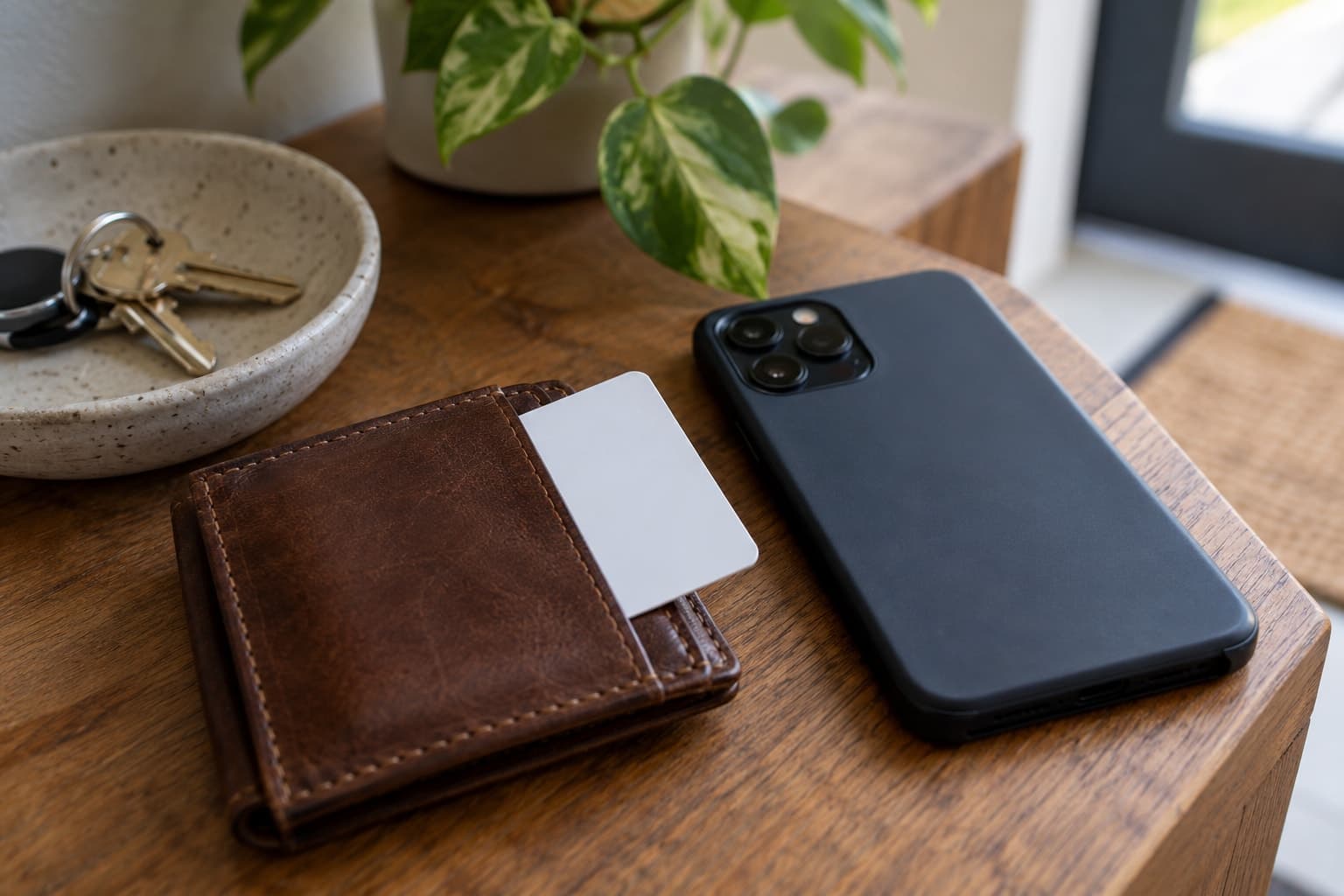
Bluetooth phone access is worth evaluating when residents already use their phones for community services. Have a resident start at the approach to the court with their phone locked and in their pocket. Watch what they must open, tap, or enable. Ask the installer to confirm reader compatibility and demonstrate the sequence outdoors on the phones residents actually carry.
An individual fob suits households that want to leave phones at home. If the HOA already issues pool or clubhouse fobs, bring one to the site visit. Ask whether the proposed reader and controller can use that credential, how a household gets a second one, and who can disable a lost fob on Saturday. Include issuance and replacement in the quote.
A booking-linked PIN can work for players who visit occasionally. Establish who receives it, how early it starts working, and when it expires. A PIN shared by a doubles group gives a different attendance record from a personal credential. If the board needs to know which player arrived, ask the supplier what the entry log actually records.
Three configurations to put on a shortlist
For an HOA managing several amenities, GoAccess offers court reservations and mobile credentials for compatible entrances, including Bluetooth on supported Farpointe readers. Booking and entry permissions are configured separately. A canceled tennis reservation may free the court while the resident keeps ordinary access to the enclosure. Ask for a demonstration with your schedule and reader model. GoAccess publishes this guide. GoAccess amenity access for HOA courts and pool gates
For a community already using CourtReserve, two documented configurations take different approaches. With its Brivo integration, a player can use a personal PIN and qualifying membership types can permit entry without a booking. With its RemoteLock integration, CourtReserve describes a PIN issued for a reservation or event that expires after its assigned window. Put Brivo on the shortlist for a mix of membership and booked access, and RemoteLock for a booking-specific PIN workflow. Confirm the proposed outdoor lock, subscription, and cancellation behavior in the written quote. These descriptions use the provider documentation available in November 2026. CourtReserve’s integration comparison
Three tests to run at the actual gate
- The canceled match. Book Court 2 for 10 a.m., issue the credential, then cancel. Try it at 10. For reservation-only entry, the old booking should no longer grant access. For shared open play, the same resident might still enter under another permission. Have the manager show which rule allowed or denied entry and whether Court 2 is available to rebook.
- The player without a phone. Ask a teenager arriving for a lesson, or a resident who leaves their phone at home, to use the proposed alternative. Check who issues it, whether it works before the office opens, and how staff retire it. Record what a replacement costs and how long the player waits.
- The evening the connection drops. Arrange a supervised demonstration with the installer. Test an existing credential and one revoked during the outage. Record which decisions the gate can make locally, what staff see after service returns, and who answers the after-hours call. Have the installer demonstrate how players exit during the outage.
Three-year cost worksheet for HOA boards
Download the three-year court gate cost worksheet (Excel). Enter two quotes side by side. Give both bidders the same scope, such as one shared gate, four courts, 180 eligible households, morning open play, and evening reservations. Identify existing equipment each bidder will reuse.
| Budget item | What to enter |
|---|---|
| Equipment and installation | Readers, locks, controllers, power, network work, and labor. Enter each charge in the year the association pays it. |
| Setup and credentials | Initial enrollment, staff training, fobs, and mobile credential issuance. Put later replacements in the renewal years. |
| Software and connectivity | Gate software, booking integration, and network or cellular service. Enter each year’s quoted renewal price. |
| Maintenance and support | Batteries, repairs, replacement credentials, service visits, and after-hours support. Identify the work covered by the base fee. |
| HOA staff time and other charges | Multiply expected annual staff hours by the association’s hourly cost. Add applicable taxes and any remaining quoted charges. |
Enter zero for a cost the vendor confirms is included elsewhere. Leave an unanswered item blank. The workbook waits for those answers before showing a complete total. To compare the bids at a meeting, add each quote’s Year 1, Year 2, and Year 3 totals.
Worked example using illustrative figures: one bid calls for $4,800 in installation and startup, plus $1,200 a year in operating costs. Its three-year cost is $8,400. Another starts at $3,000 and costs $2,000 a year to operate, for a three-year cost of $9,000. The board would spend $600 less over three years with the higher upfront bid, assuming both cover the same gates, support hours, and staff workload.
Before the vote, attach the completed worksheet and the three gate-test results to each proposal. Board members can then see both what the HOA would pay and what a resident can expect when they arrive to play.