How to Choose the Right Access Control System for Your HOA
Build an HOA access-control requirements brief covering residents, guests, amenities, staff roles, data handling, and measurable acceptance criteria.
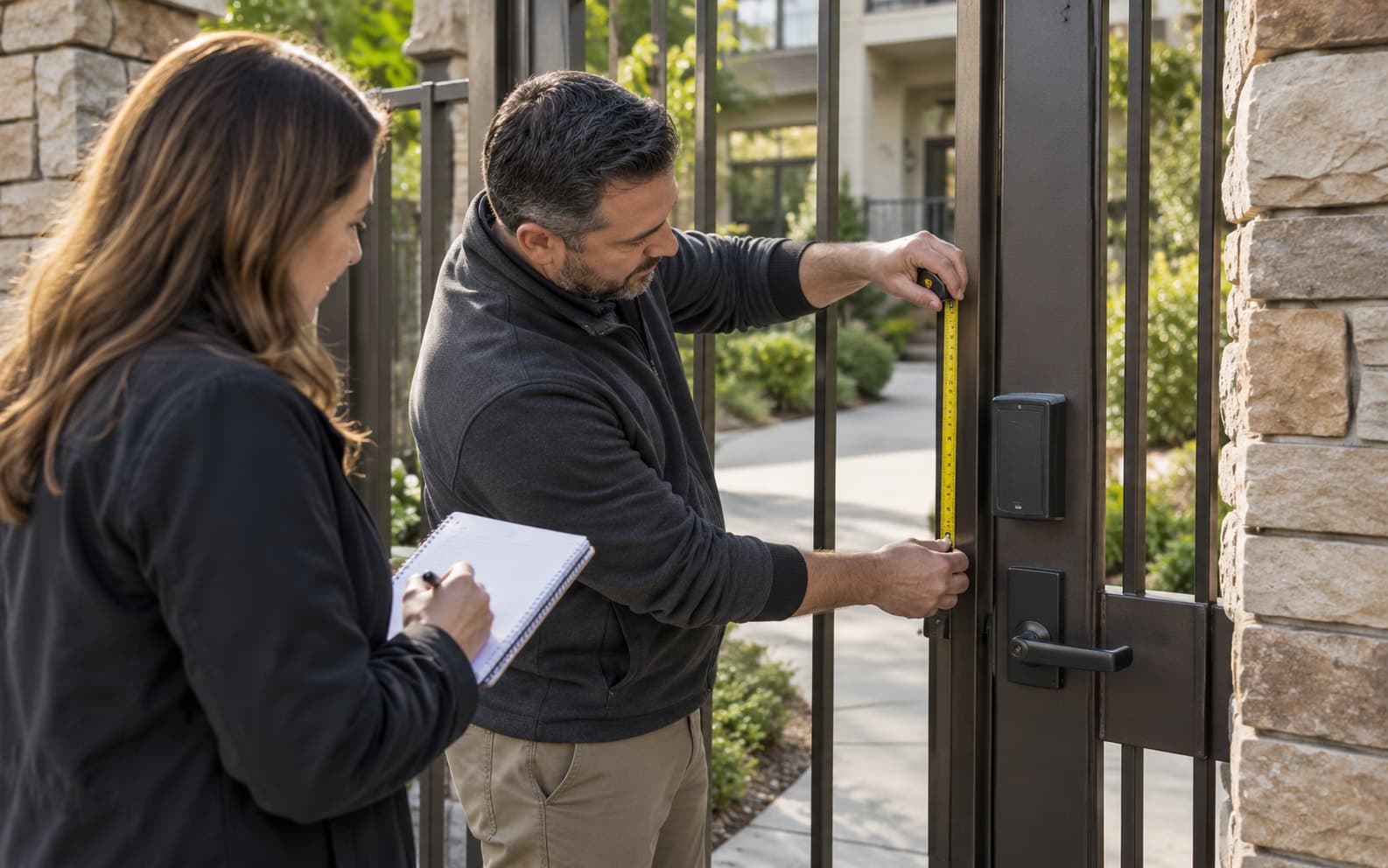
Choosing an HOA access-control system starts with agreeing on how your community should operate. A feature list alone cannot tell you who approves an unexpected visitor, who can revoke a credential, or how a resident gets help after hours. Write those decisions down before comparing proposals.
This guide is for boards and managers preparing a requirements brief. For equipment and installation scope, use the gate-entry implementation guide.
Map people, entrances, and permissions
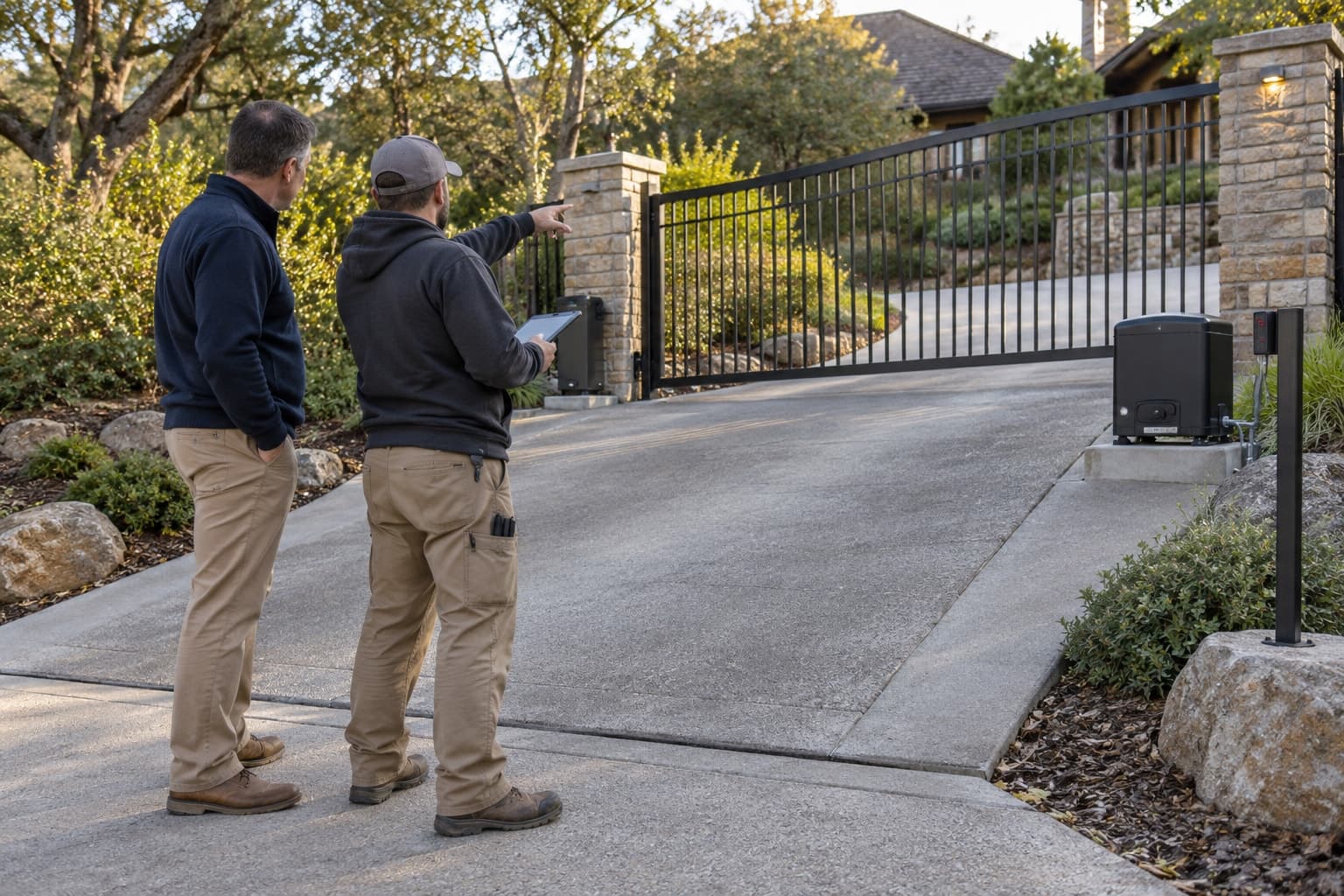
List each vehicle gate, pedestrian entrance, and amenity door. For each location, record who needs access, the hours they need it, and who approves exceptions. Keep resident entry, guest invitations, vendor visits, and staff administration as separate workflows.
A useful brief answers:
- Who maintains household records when residents move in or out?
- Can a resident invite a guest without calling the gatehouse?
- How does staff handle a delivery when the resident cannot be reached?
- Who approves recurring contractors and changes their permissions?
- Which staff roles can view records, export reports, or change access?
- What alternative is available to someone without a smartphone?
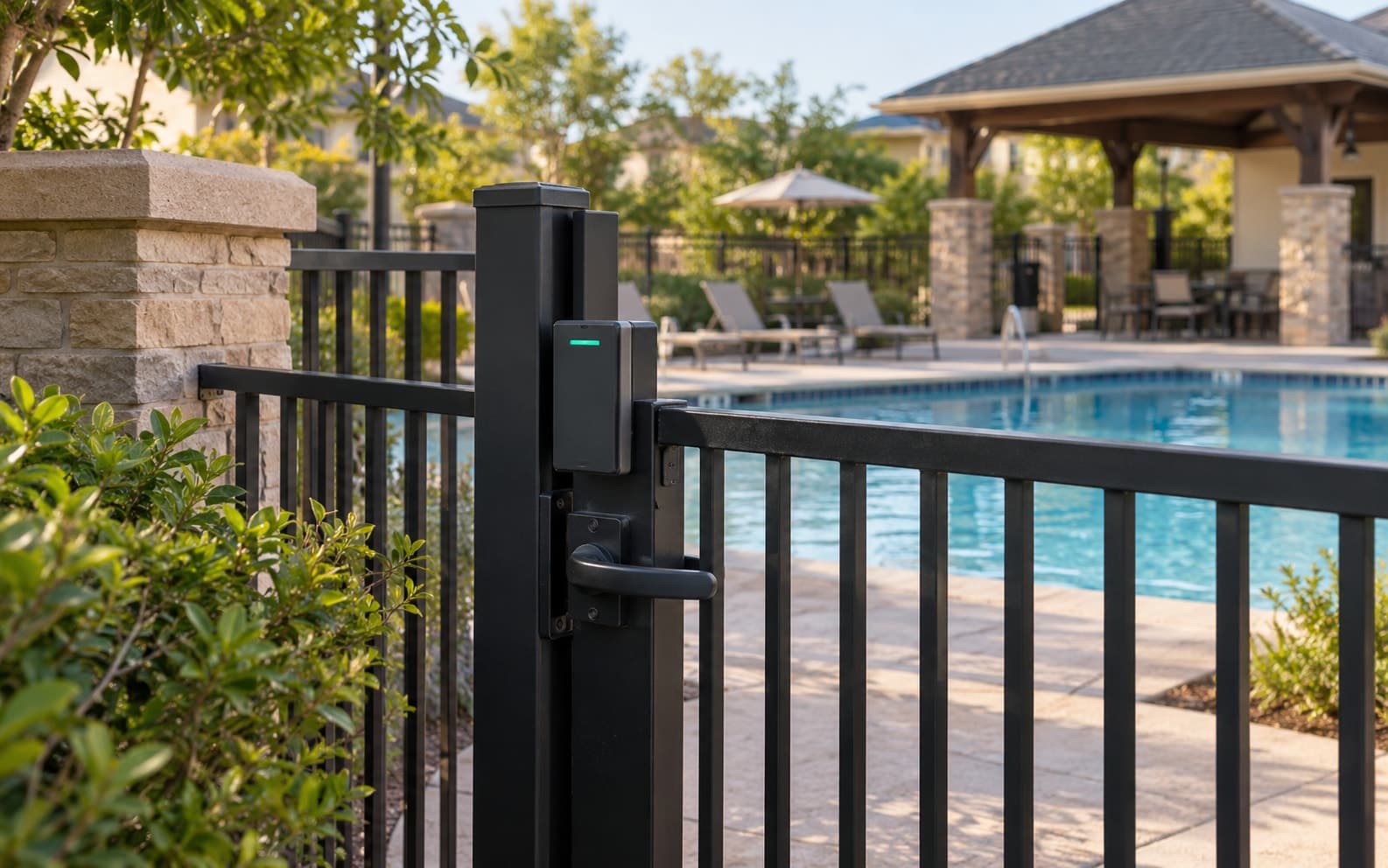
For guest workflows, review GoAccess visitor management. For shared facilities, evaluate amenity access separately from vehicle entry: a credential that works at one reader is not automatically supported at another.
For pools, clubhouses and pedestrian entrances, the HOA key-card buying guide provides credential, reader-compatibility and revocation tests to include in that review.
Turn requirements into demonstration tasks
Ask each provider to demonstrate the same tasks with sample data. Mark each requirement as demonstrated, dependent on configuration, requiring integration, or unavailable. A checkbox that says “supported” is not enough to identify installation work or operating limits.
| Requirement | What to ask the provider to demonstrate | What to record |
|---|---|---|
| Guest arrival | Create an invitation, find it at the gate, and record the arrival | Steps for residents and gate staff; compatible pass equipment |
| Resident move-out | Remove access for a sample household and its credentials | Responsible role, update timing, and remaining records |
| Staff permissions | Compare a gate attendant and a manager account | Which information and actions each role can access |
| Amenity access | Present an authorized and an expired credential | Supported reader, access hours, and exception process |
| Reporting | Find an arrival and export the permitted information | Available fields, retention settings, and export permissions |
These are suggested evaluation tasks, not a claim that every vendor or every GoAccess configuration supports all of them.
Include the people who will use the system
Have a resident, gate attendant, and administrator try the proposed workflow. Ask them to explain the next step without coaching. Record where they get stuck, how many handoffs are needed, and who will answer support requests.
GoAccess supports resident invitations through web, iOS, and Android, single-use QR visitor passes, gatehouse verification, and management reporting. Bring your existing scanner and printer models so the team can check compatibility rather than assume they can be reused.
Set data and operating responsibilities
Ask what visitor and vehicle information is collected, who can retrieve it, how long it is retained, and how exports or account closure are handled. Request written answers for the proposed configuration. Have the association's appropriate advisers review its access and data policies; software settings do not decide those policies for the board.
Assign an owner for household data, staff permissions, training, equipment maintenance, and incident follow-up. A shared responsibility with no named owner often becomes a launch-day problem.
Use the HOA security-management checklist to document the division of responsibility between the board, gate staff, installer and software provider.
Compare the full proposal
Separate one-time migration, equipment, and installation charges from recurring software, connectivity, maintenance, and support. Record contract terms, renewal assumptions, and optional items. Do not assume the lowest initial quote has the lowest operating cost.
Once requirements are agreed, use the gate-system vendor evaluation checklist to compare evidence and scope. Request a GoAccess demo with your entrance list, household count, and three workflows you want demonstrated.