How to Choose HOA Door and Amenity Access Control
Plan clubhouse, fitness and shared-space access around residents, staff and the equipment at each door, with a practical procurement checklist.
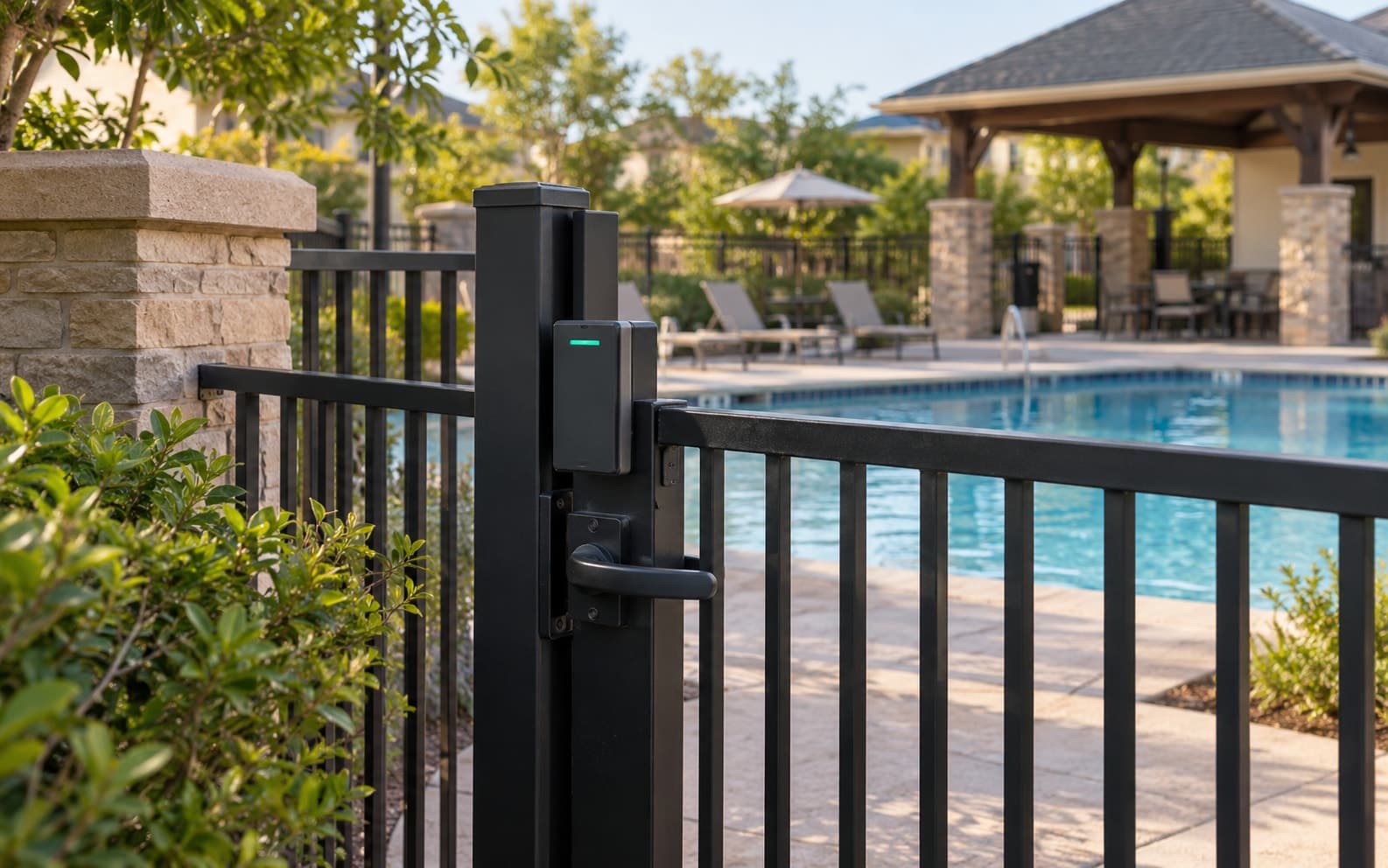
Choosing door access control for an HOA starts with the spaces residents share. A clubhouse entrance, fitness room and staff-only storage area may need different schedules, credentials and operating procedures. Document those differences before selecting equipment.
The objective is a clear, manageable arrival experience. Software, door hardware and community policy all need to work together; selecting a reader alone does not finish the design.
Make an entrance-by-entrance inventory
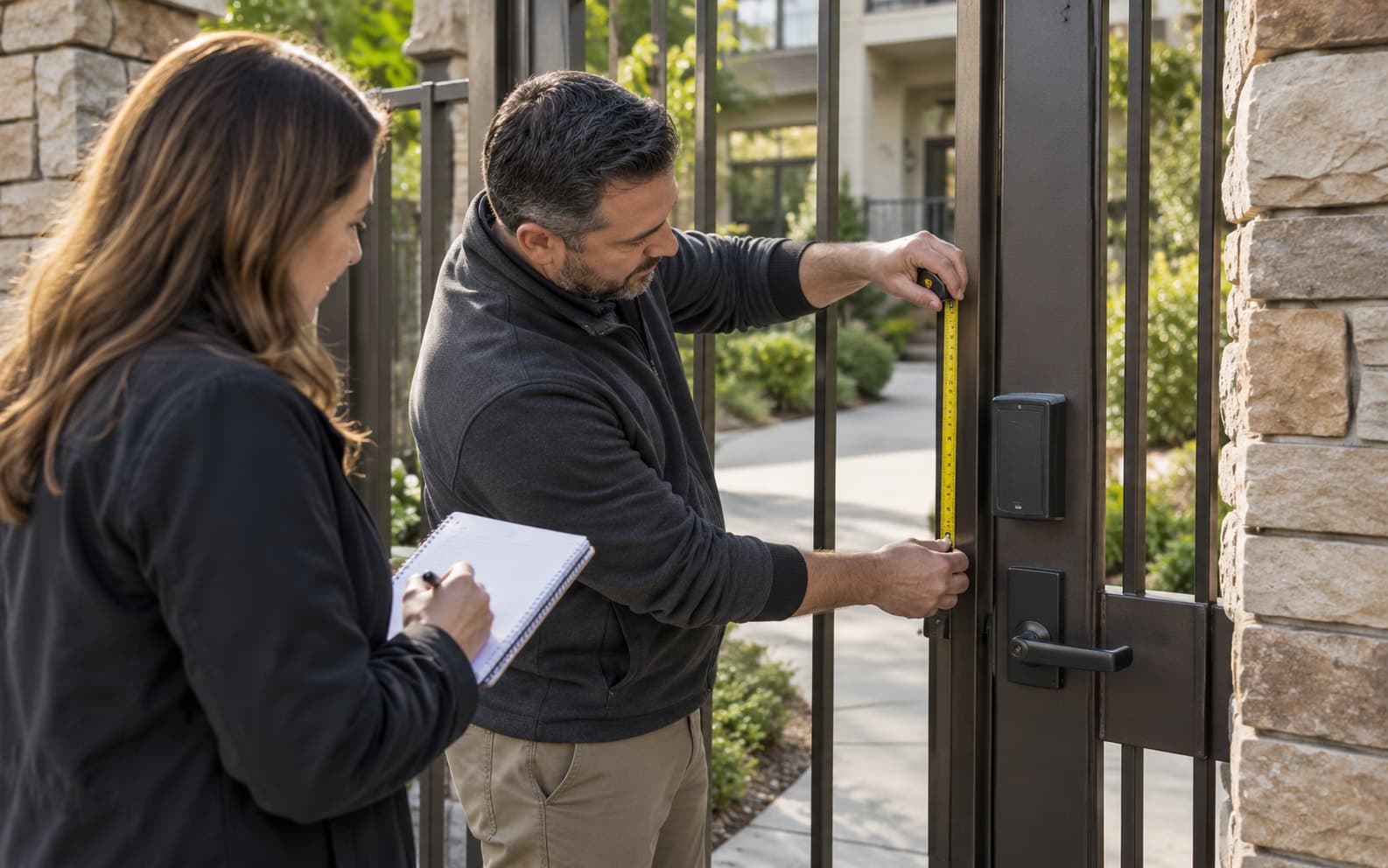
List each controlled door or pedestrian gate, the people who use it and the hours it should be available. Have an appropriately qualified installer assess the existing door, lock, reader, power and wiring, including applicable accessibility and emergency-egress requirements.
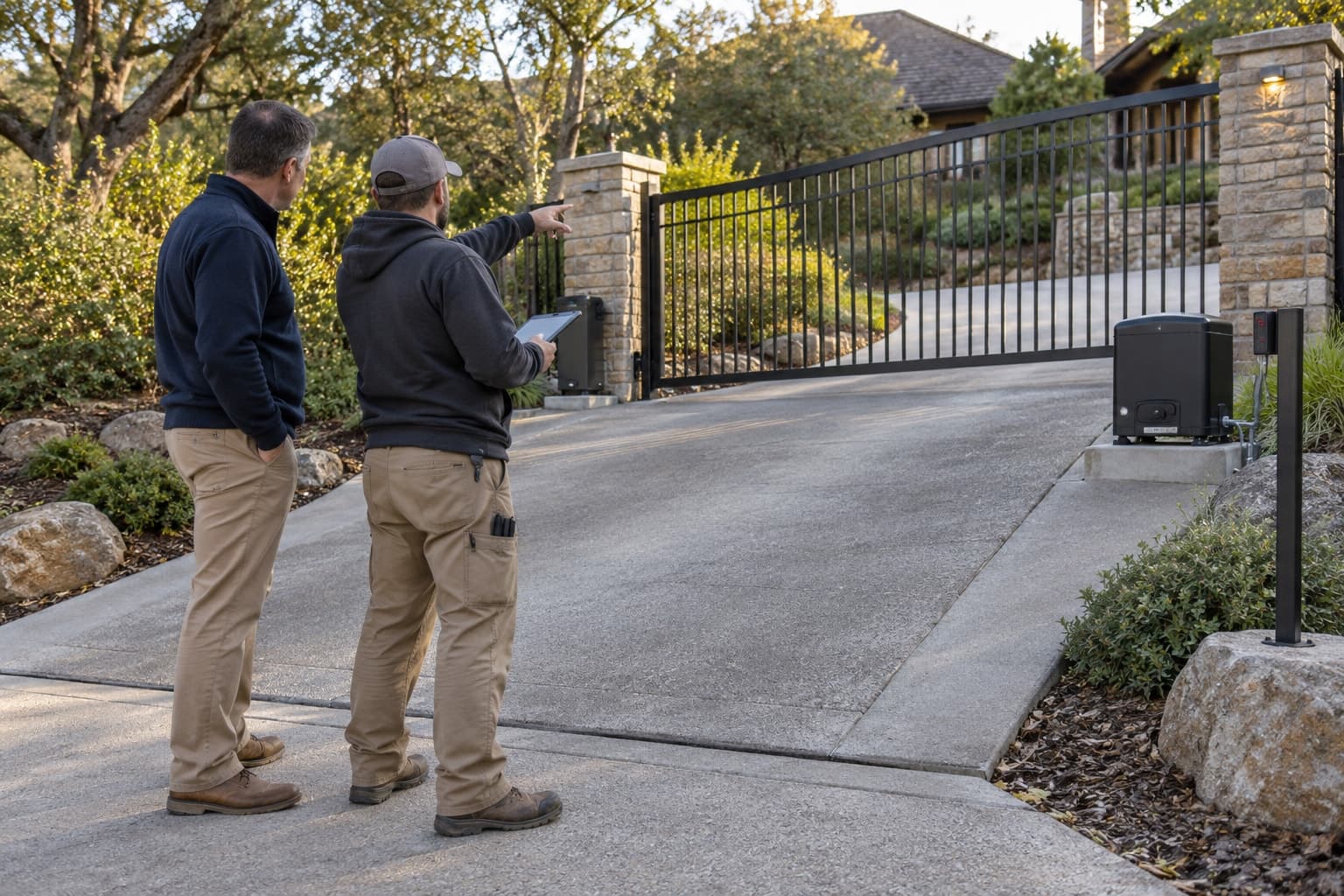
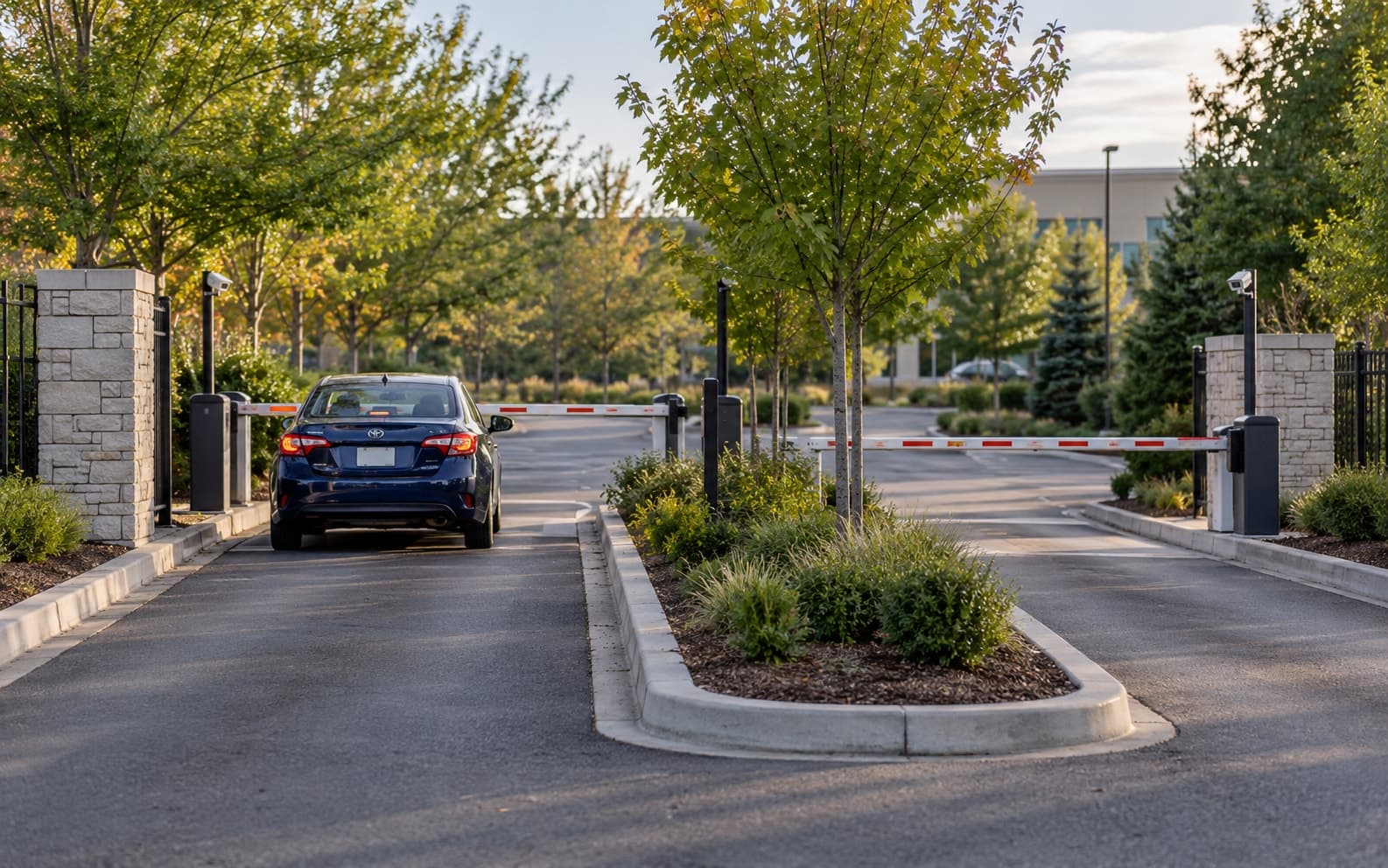
Record which equipment can be retained and what needs replacement. Keep vehicle gates in a separate part of the plan, even if the community intends to manage both through connected services.
Compare credentials using resident scenarios
Ask the provider to demonstrate issuing, replacing and revoking a credential. Include a new resident, a lost credential, a household move-out and a person who cannot use the proposed mobile option.
| Scenario | Decision for the community |
|---|---|
| A resident visits during opening hours | Eligible entrance and credential method |
| A guest accompanies a resident | Guest policy and how staff apply it |
| A contractor needs a service visit | Approved doors and time window |
| An amenity closes temporarily | Who changes the schedule and informs residents |
| A household leaves | Responsibility for removing access |
GoAccess amenity access includes wallet-pass options for supported shared-space access. Confirm device support, reader compatibility and alternatives for your residents during the equipment review.
Ask for the administrative workflow
Have a manager demonstrate schedule changes, staff permissions and credential removal. Review which activity records are available and who may see them. Establish how the association will handle record retention and requests for access to information.
For a community considering a change from existing cards, our card-access migration guide helps organize the transition questions. Do not assume that existing cards work with a new reader without checking compatibility.
Test exceptions before opening the doors
Agree supervised tests for expired credentials, closed hours, lost connectivity and recovery. The installer should verify the door’s physical behavior and the applicable safety requirements. A software permission test does not replace that work.
Train staff on the assistance process and document how residents obtain replacement credentials. Ask for support hours and the division of responsibilities between the access provider, network support and door contractor in writing.
Build a proposal around your spaces
Compare software, readers, locks, installation, training and ongoing service as one scope. Identify optional features and planned future entrances separately so the initial project is clear.
Learn about GoAccess onboarding, then request a demo with your entrance inventory and resident scenarios. That gives your team a practical basis for deciding which setup fits the community.