Security Management for HOAs: Protecting Communities with Smart Access Control
An HOA board checklist for access permissions, installer responsibilities, incident procedures, vendor proposals, and acceptance testing.
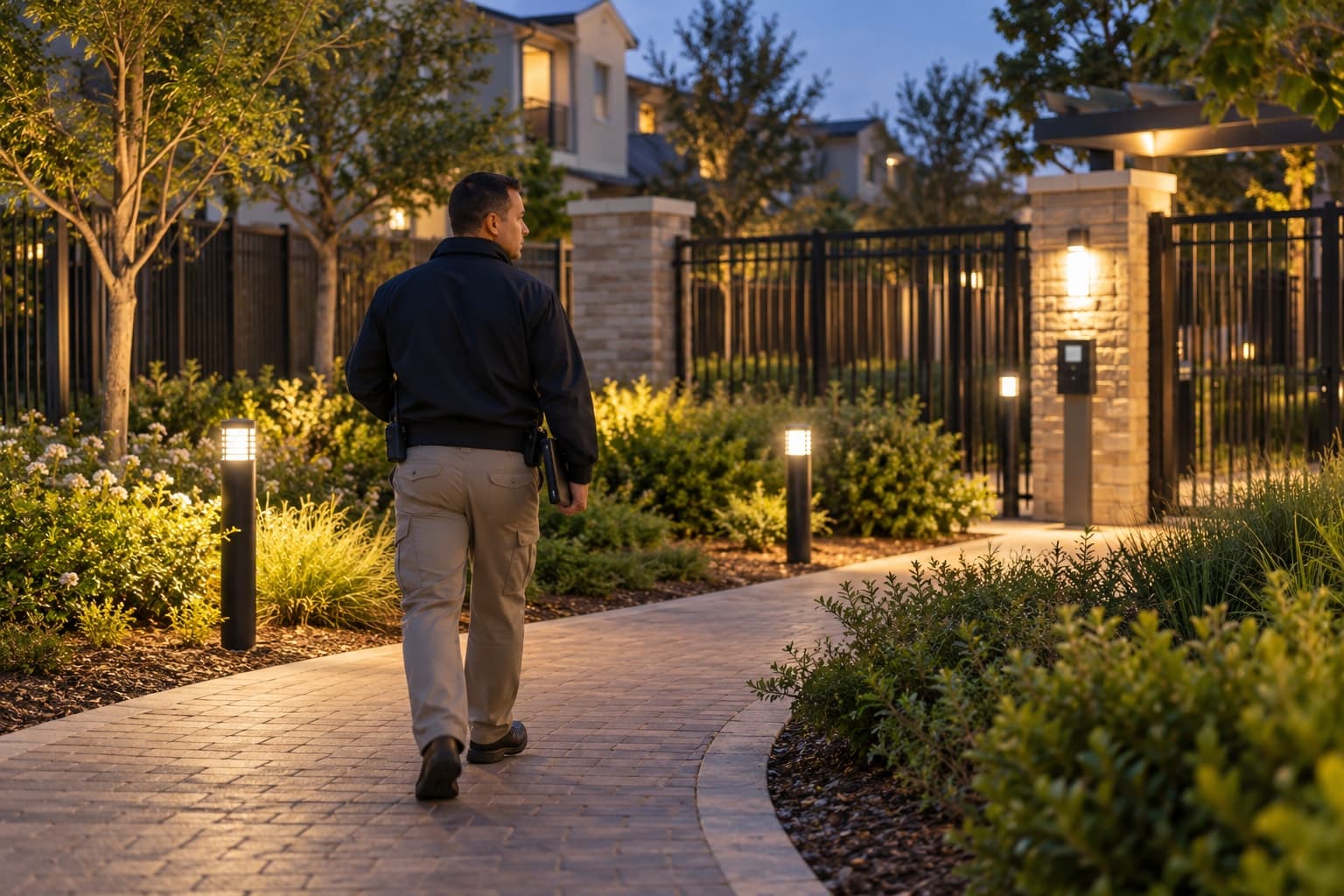
An HOA security-management purchase should start with a written operating plan. Software can organize permissions and records, but the board still needs clear ownership of equipment, staffing, exceptions, and incident response. No system can guarantee safety or eliminate unauthorized entry.
Inventory the entrances and responsibilities
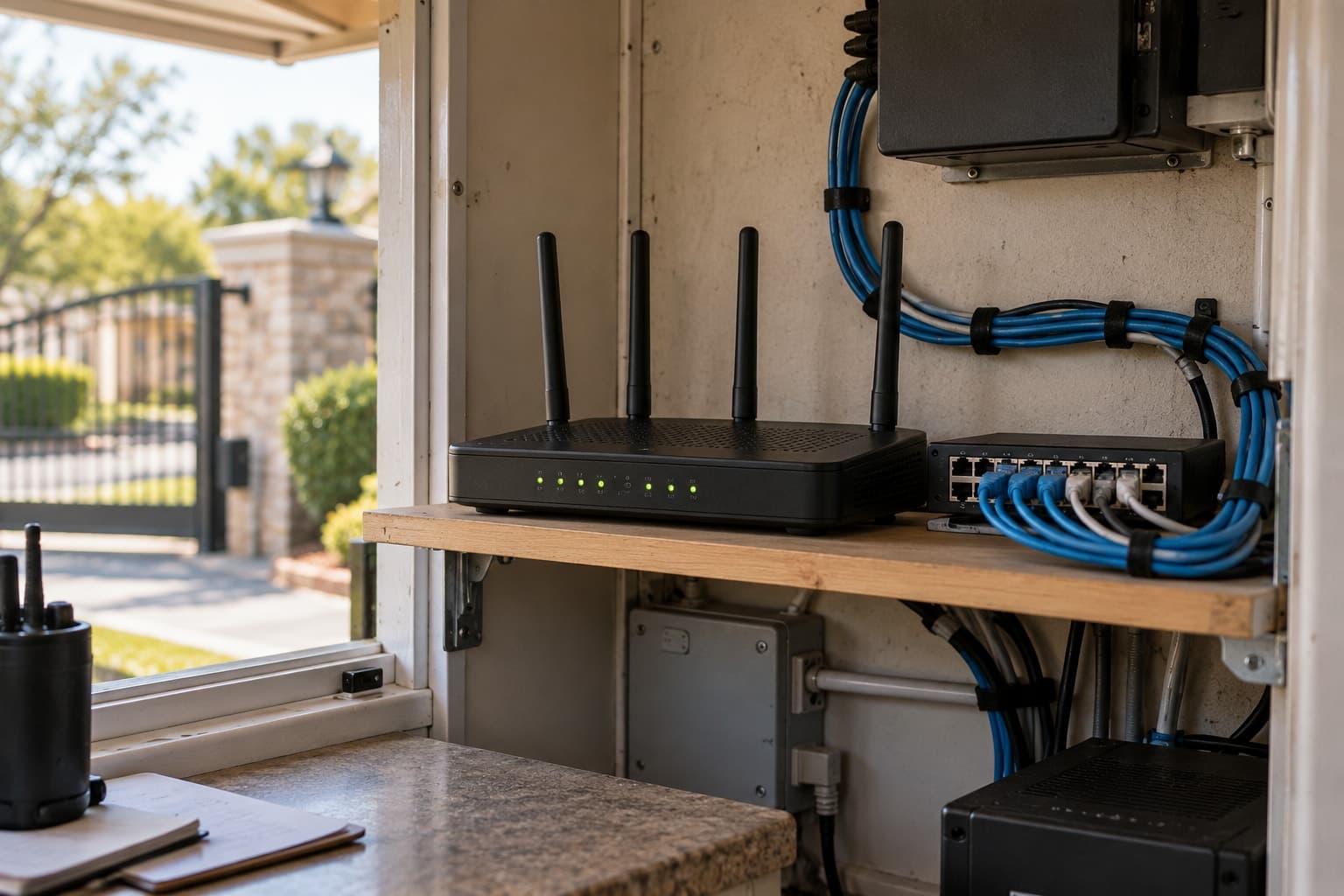
List vehicle gates, pedestrian doors, staffed checkpoints, and any shared facilities in scope. For each, record current equipment, who approves access, who maintains it, and how people enter during an outage. Separate an observed problem from a proposed feature: a shared code, an unattended arrival, and a broken gate operator require different responses.
| Responsibility | Decision to document |
|---|---|
| Board or manager | Access policy, budget, approvals, and escalation owner |
| Qualified installer | Hardware compatibility, installation, safety, and maintenance |
| Software provider | Supported workflows, permissions, records, and support scope |
| Gate staff | Verification steps, unresolved arrivals, and shift handover |
| Residents | Guest authorization and reporting outdated permissions |
Use the gate access control overview to define the software workflow, then confirm equipment compatibility with the proposed installer.
Define the full permission lifecycle
Write down how a resident, employee, guest, or contractor receives access and when that access should end. Include move-outs, employee departures, canceled visits, and changes of contractor. Name the person responsible for checking that a revocation took effect.
Avoid leaving exceptions in personal messages or relying on an undocumented shared code. Ask how authorized staff can identify the current approval and resolve an arrival when the approving resident is unavailable. The contractor and vendor guide provides a useful checklist for scheduled work.
Keep emergency and incident procedures separate
Coordinate emergency-access arrangements with the appropriate local responders and a qualified installer. Do not assume a visitor app or access log supplies an emergency override, complete occupancy count, or evacuation roster.
For routine incidents, define who receives a report, who reviews relevant records, and who can release information. Restrict exports and retention according to an approved policy and applicable requirements. A recorded entry alone does not establish a person's identity or behavior after entry.
Compare proposals using the same scenarios
Give each supplier the same entrance inventory and ask for a demonstration of an approved visitor, an expired permission, a canceled contractor visit, and a network interruption. Include both staffed and unstaffed conditions where relevant.
Request written answers on supported equipment, permission roles, available audit records, support hours, data export, and account closure. Itemize installation, hardware, subscription, training, replacement equipment, and optional integrations so proposals cover comparable work.
Do not award points for broad claims such as “prevents crime” or “fully compliant.” Ask what the proposed configuration does, what evidence demonstrates it, and which obligations remain with the association.
Make acceptance and upkeep part of the purchase
Agree on acceptance criteria and owners before installation. Verify permission creation and removal, visitor handling, staff handover, and the approved fallback procedure. Record unresolved issues before rollout and schedule a review after staff have used the system.
Include routine maintenance and a contact tree for failures; the gate maintenance guide can help prepare installer questions.
Bring this checklist to a GoAccess demo. Focus on the visitor management workflow and entrance requirements your community needs, with explicit confirmation of any optional features or integrations.