The Ultimate Guide to Cloud Based Access Control Systems
Plan cloud-managed HOA access with clear controller responsibilities, outage tests, hardware checks, recurring costs, and data-export requirements.
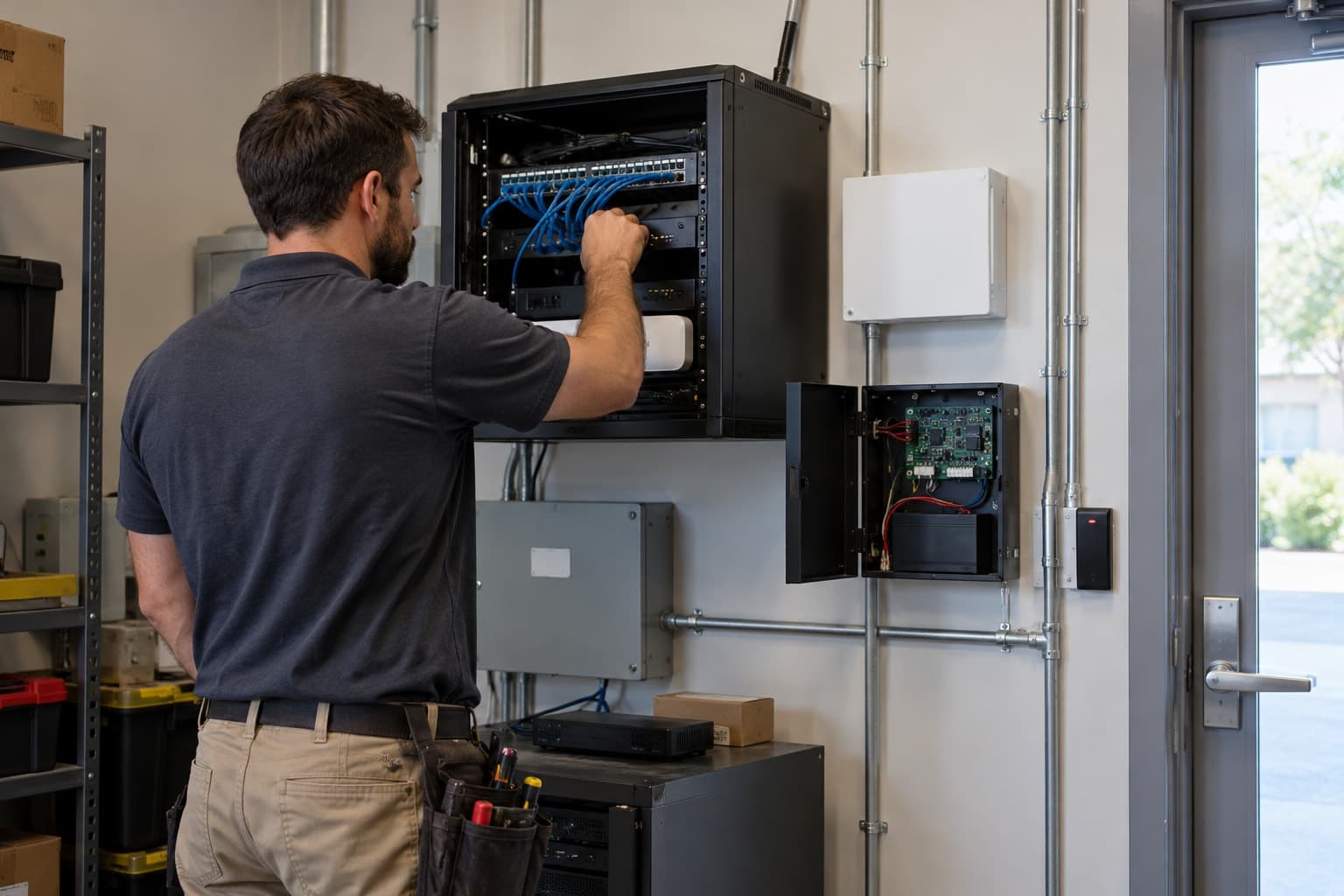
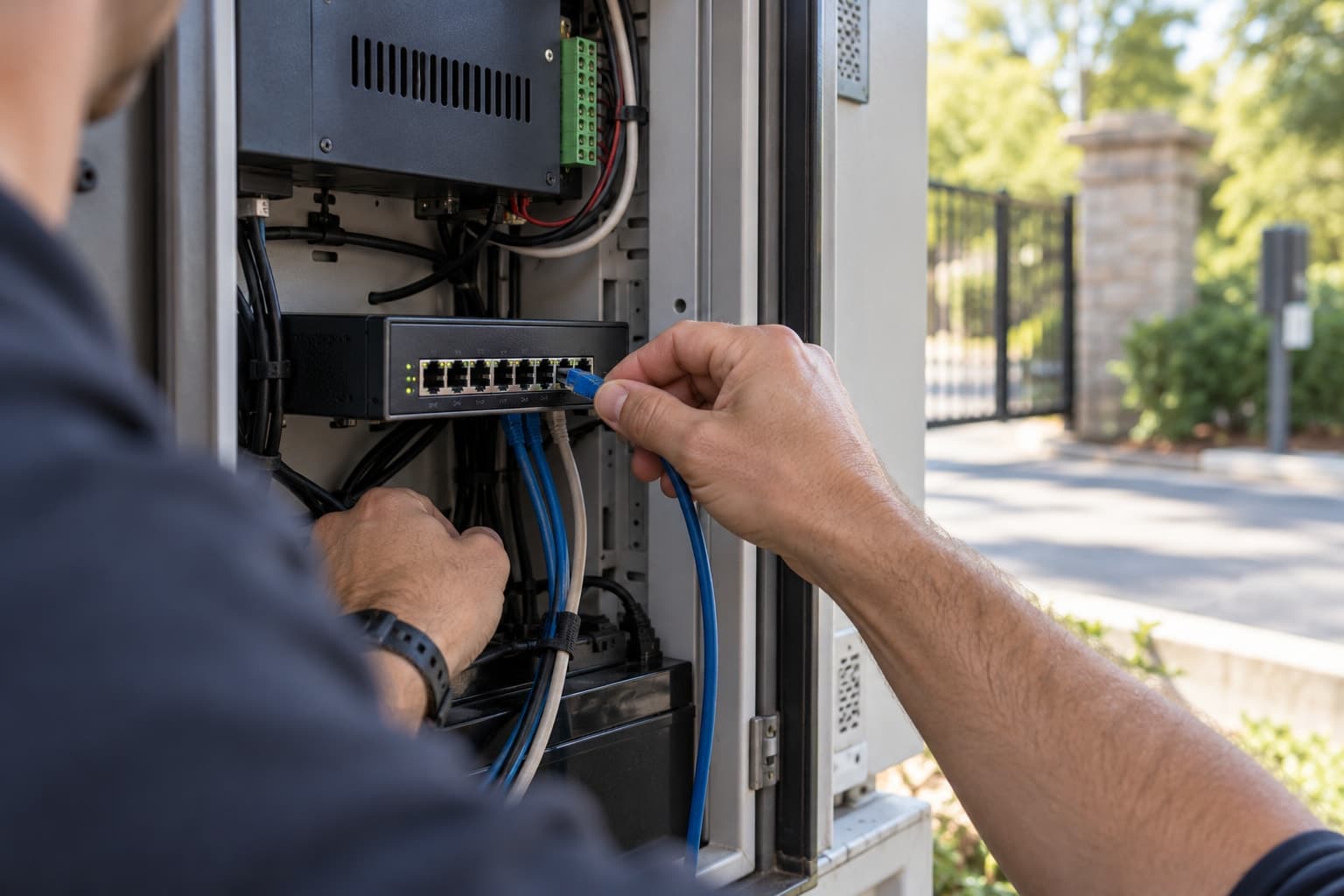
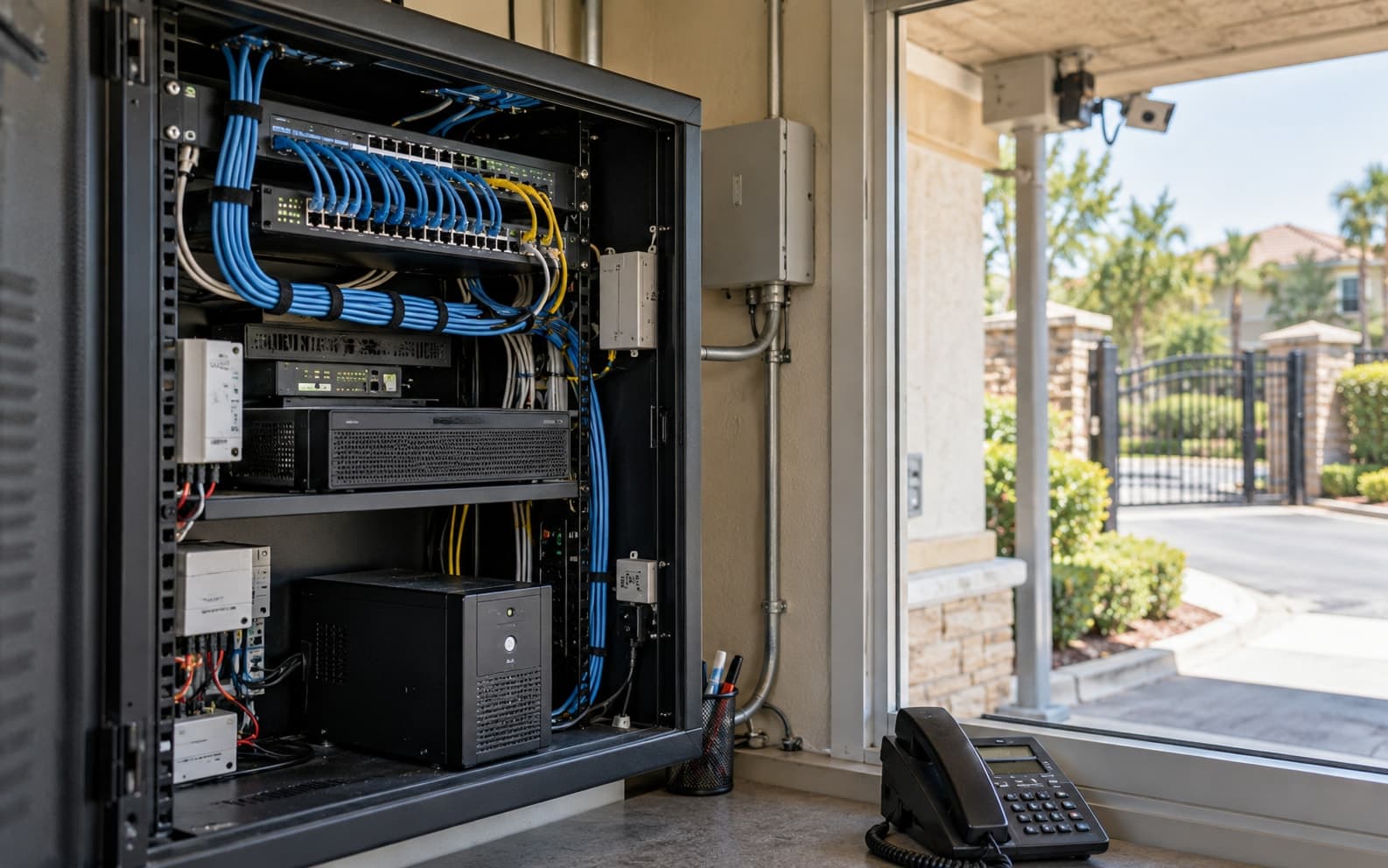
Cloud-managed access control lets an authorized team manage supported access workflows through hosted software. It does not remove the physical readers, controllers, power, or network connections that an entrance needs.
For an HOA or community manager, the buying decision is about the complete operating model: what runs locally, what depends on a connection, who supports it, and what happens when something fails. Use this guide to turn “cloud based” into questions a vendor can demonstrate.
Separate management from the entrance decision
A system may use the cloud for administration and reporting while a local controller handles some access decisions. Another workflow may require an online service at the moment of entry. Behavior varies with hardware, software, and configuration.
Ask for a diagram covering the staff application, hosted service, network connection, controller, reader, and gate operator. Identify where permissions are stored and how changes reach the entrance. A web dashboard does not prove that every device works offline or that permission changes take effect instantly.
For the physical entrance requirements, see gate access control and the gate-entry implementation guide.
Ask what happens during each outage
| Failure scenario | Evidence to request |
|---|---|
| Gatehouse computer unavailable | Alternate authorized staff workflow and device recovery procedure |
| Internet connection lost | Which actions remain available locally and which stop working |
| Hosted service unavailable | Expected controller behavior and staff escalation procedure |
| Controller loses power | Installer-approved behavior and any backup-power requirements |
| Permission changes while offline | How additions and revocations are queued, applied, and verified |
| Service returns | How records and permissions reconcile, including failed updates |
Do not improvise physical gate-safety tests. Have the qualified installer define a controlled demonstration and appropriate safety measures. Document the agreed behavior for your equipment rather than assuming that “cloud” means always available.
Confirm hardware reuse before comparing prices
Provide the exact models of controllers, readers, intercoms, cameras, and other equipment you intend to keep. Ask what can be reused, what needs additional integration, and what must be replaced.
Credential support also needs confirmation for the proposed reader and controller combination. A platform description mentioning mobile access or RFID does not establish compatibility with every device or credential format.
Separate required work from optional upgrades in the quote. Review software, hardware, installation, network service, backup connectivity, credentials, migration, training, and ongoing support over the same comparison period.
Evaluate administration with real tasks
During a demonstration, ask staff to create a permitted user, change an access schedule, revoke a credential, and find a past event. Use fictitious records and verify which roles can perform each action.
For communities using visitor management, also test a preapproved visitor, an unexpected arrival, and a missed departure. A hosted platform can bring workflows together, but the demonstration should establish which features are actually included in your proposal.
If resident records will come from another product, use the property-management integration checklist. Confirm the direction and timing of updates rather than assuming cloud services automatically synchronize with each other.
Review data access and responsibility
Ask the vendor to demonstrate administrator roles and available authentication controls. Establish who can view visitor history, export records, change access permissions, or administer integrations. Define how staff access is removed when responsibilities change.
Request documentation for retention, backup and recovery, support access, and incident communication. Agree which settings your team controls and which require vendor assistance. Hosting data remotely does not automatically establish compliance or eliminate your association’s responsibility for its handling.
Include exit terms: what can be exported, in which format, how long access remains available after termination, and what deletion process applies. Test a sample export for usability before relying on it as a migration plan.
Still choosing where management should run? Use the cloud versus on-premises comparison to compare operating responsibilities and costs.
Plan a controlled rollout
Start with an inventory and an approved requirements brief. Assign responsibility for data preparation, installation, staff training, and support during launch. Pilot a defined entrance or workflow before expanding to the whole community.
Record acceptance tests for normal access, expired permissions, outages, recovery, and reporting. The HOA requirements guide provides a framework for agreeing those tests with your board and implementation team.
What to bring to a GoAccess discussion
Bring equipment models, entrance layouts, user groups, staffing arrangements, and the workflows you want to improve. Include your connectivity constraints and data-export requirements. Request a demo to confirm the proposed GoAccess configuration, implementation responsibilities, and any capabilities that need further assessment.