How to Upgrade from Traditional Locks to a Card Access Control System
Plan an HOA lock-to-card migration with a site survey, installer scope, resident enrollment, phased cutover, fallback procedures, and acceptance tests.
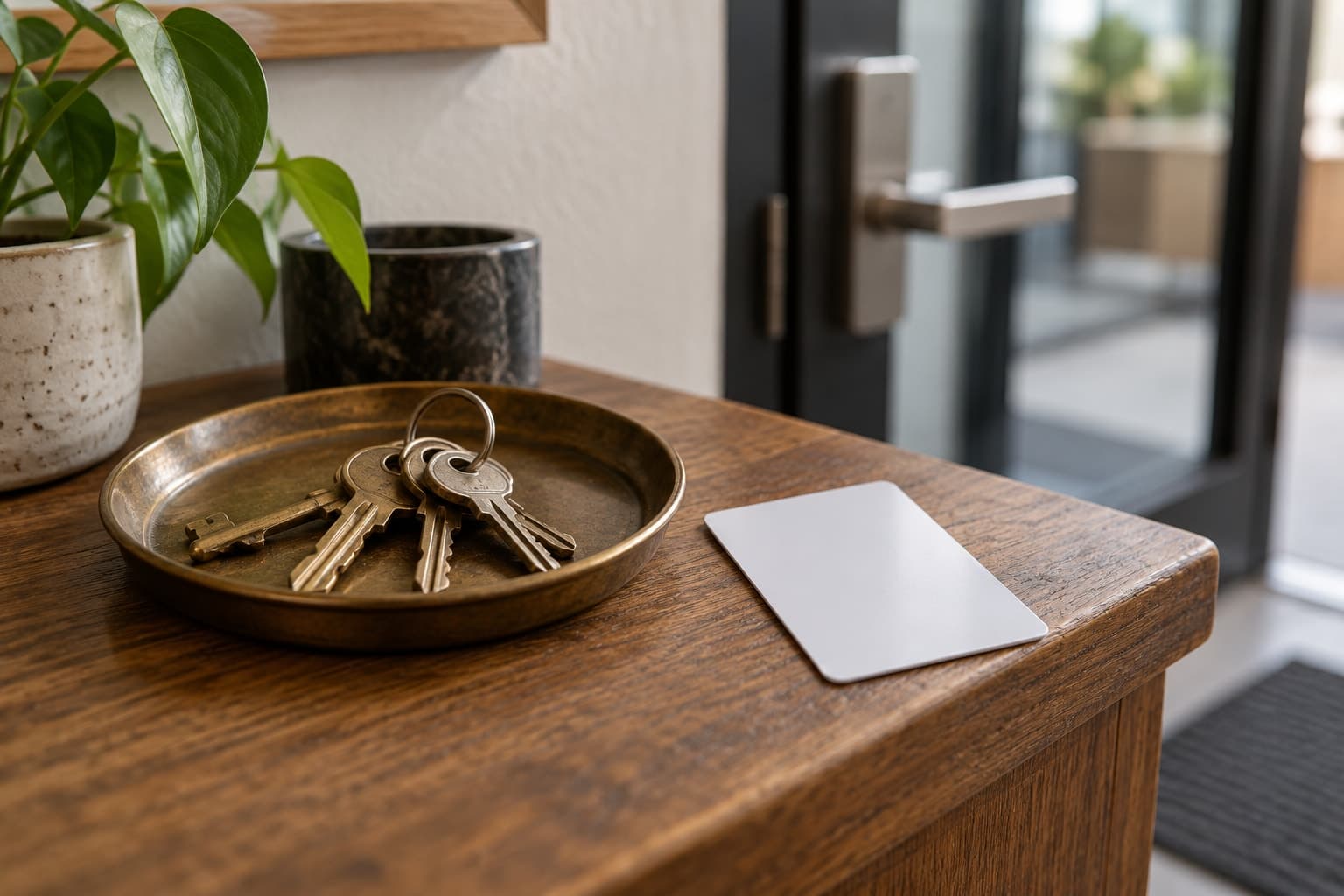
Replacing traditional keys with card access is an installation and operating change, not just a credential swap. A successful transition depends on compatible equipment, clear responsibilities, resident preparation, and a tested response when access fails.
This guide focuses on migration. For help comparing credentials and management features first, see the HOA key-card selection guide.
Survey the site before ordering equipment
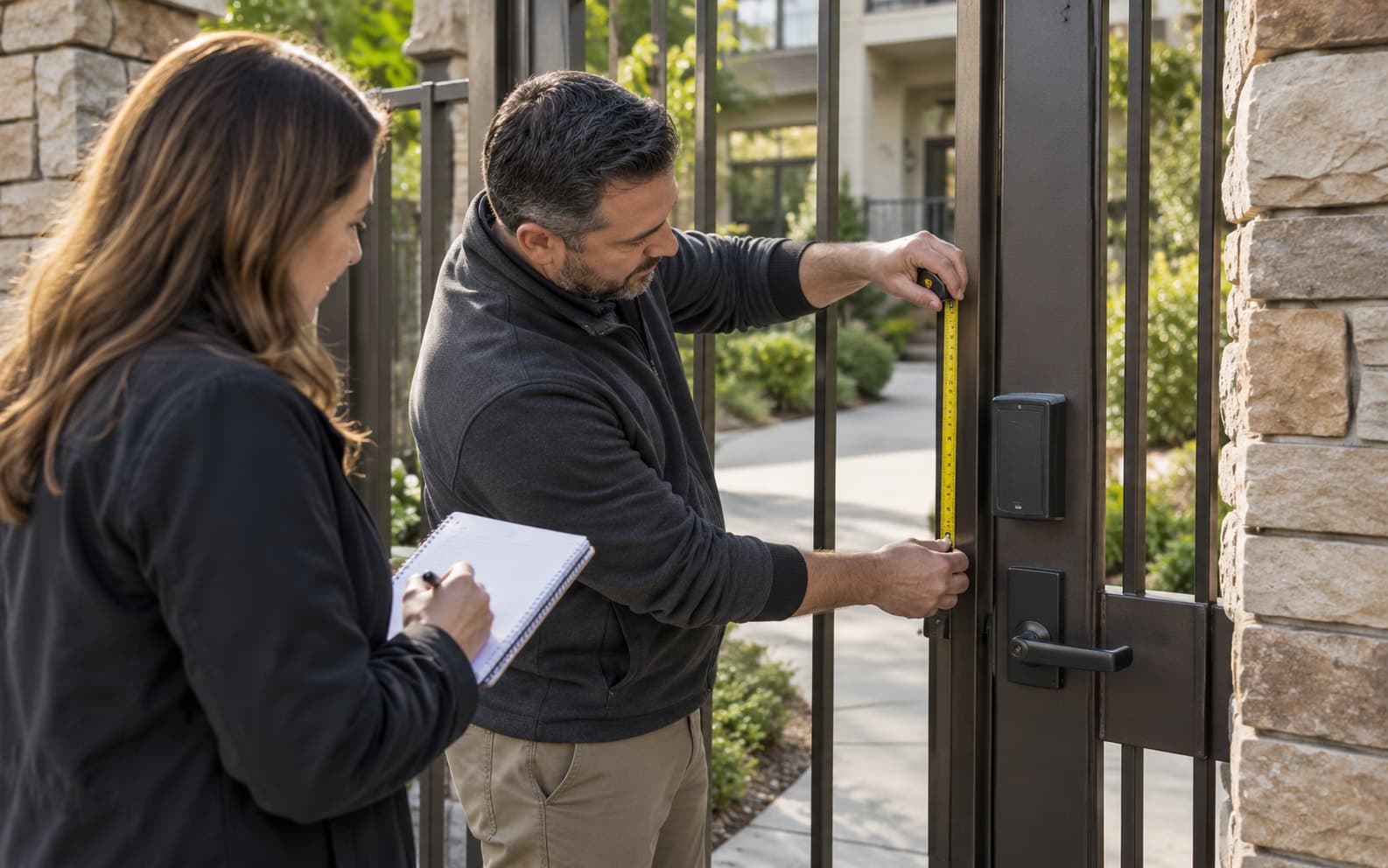
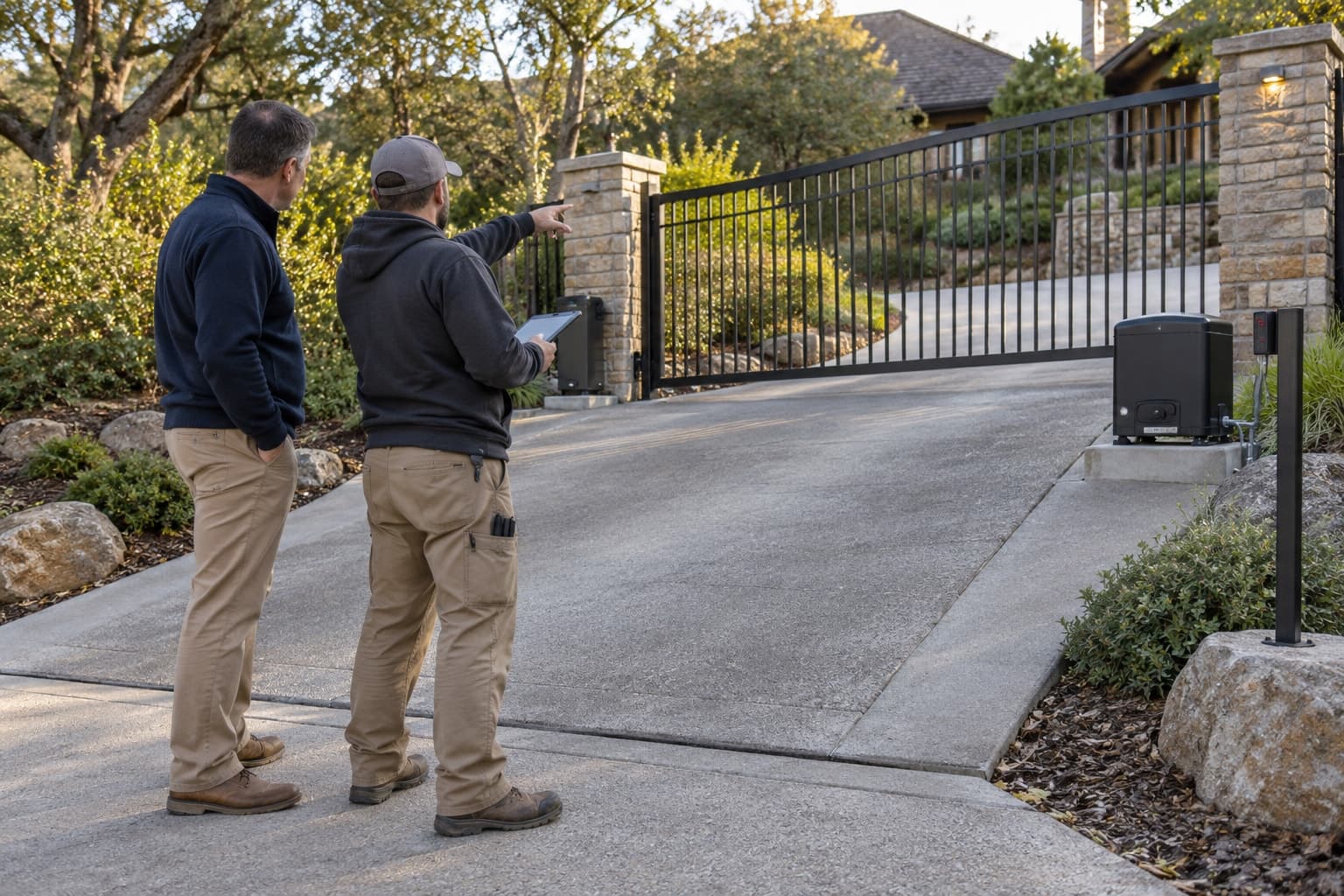
Have a qualified installer assess the doors or gates, existing hardware, power, wiring, connectivity, and intended usage. Ask which components can remain and what changes are necessary for the proposed system.
The installer should identify applicable accessibility, safe-exit, and fire-authority requirements with the responsible authorities. Do not choose lock behavior or emergency-release arrangements from a generic online checklist.
Put the scope and responsibilities in writing
| Workstream | What to agree before cutover |
|---|---|
| Hardware | Supported models, installation responsibility, and service coverage |
| Software | Required permissions, schedules, administrator roles, and configuration owner |
| Resident records | Authorized source, corrections, enrollment, and duplicate handling |
| Credentials | Issuance, replacement, lost-card process, and approved alternatives |
| Continuity | Tested fallback, escalation contacts, and conditions for delaying rollout |
| Handover | Training, equipment documentation, support contacts, and acceptance sign-off |
Request separate costs for installation, equipment, software, migration, training, and ongoing support. Clarify what is excluded and who coordinates work across vendors.
Prepare records and resident communication
Review the association’s approved household and staff records before assigning access. Resolve duplicates and outdated permissions with the responsible person rather than importing a questionable list unchanged.
Tell residents which entrances will change, when credentials will be issued, how to obtain help, and what to do if they cannot use the proposed method. Confirm the process for tenants, new residents, and temporary access. Share enrollment information through appropriate private channels.
Pilot one entrance before broad rollout
Select a suitable entrance with the installer and test using sample credentials. Include an authorized user, a revoked credential, an out-of-hours attempt, and a user with access to another entrance only.
Check the resulting records and test the agreed outage and recovery procedures under controlled conditions. Have the installer confirm safe physical operation. Do not disable safety devices or improvise emergency-release tests.
Define the cutover and fallback
Agree who decides the pilot has passed, who changes the live configuration, and who remains available during transition. If old and new access methods coexist temporarily, document where each works, who can use it, and when the old method will be retired.
A fallback should be approved and understood before a failure occurs. It should not depend on distributing a shared code informally or leaving an entrance uncontrolled. Keep residents informed if the launch must be delayed.
Accept the system against observable results
Before signing off, verify that approved credentials work at the intended entrances, revoked access is rejected under the documented conditions, schedules behave correctly, and administrators can perform their assigned tasks.
Confirm that the association has its own authorized accounts, current equipment records, and support contacts. Review logs for the events the installation actually captures; entry records alone do not establish complete occupancy.
If you are still defining the scope, the HOA door and amenity access guide helps map entrances, schedules and resident scenarios.
Plan the first operating review
Review support requests, rejected entries, missing records, and resident feedback after launch. Adjust the approved process and training where needed. Keep physical servicing separate from software administration using the maintenance checklist.
For a GoAccess proposal, review the implementation approach and amenity access with your site inventory. Request a demo to confirm equipment compatibility, scope, and acceptance criteria before committing to a transition.