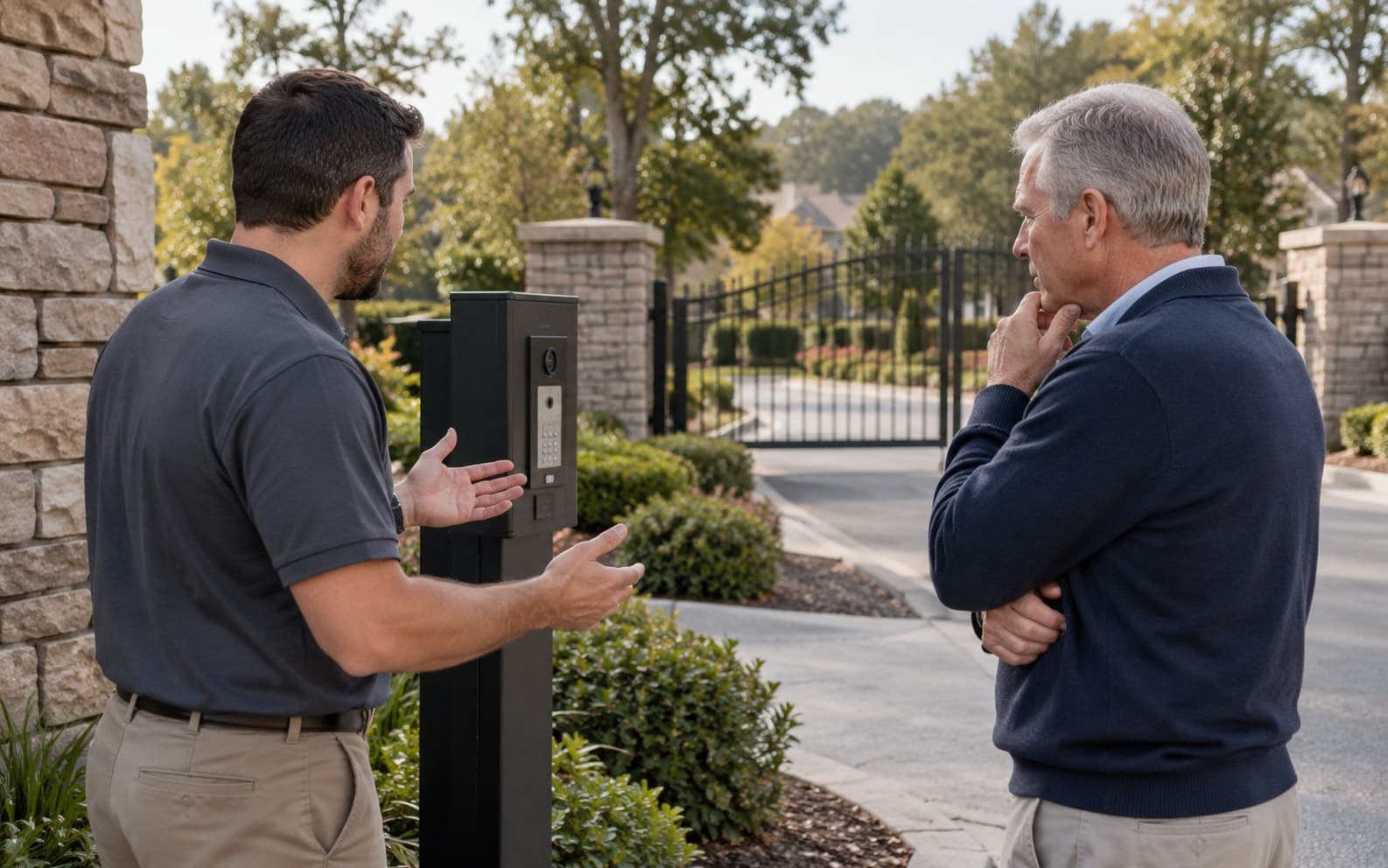
Staff Check-In for Gated Communities: An HOA Guide
Evaluate staff check-in for a gated community with approval workflows, arrival and departure exceptions, shift handovers, reporting limits, and pilot tests.
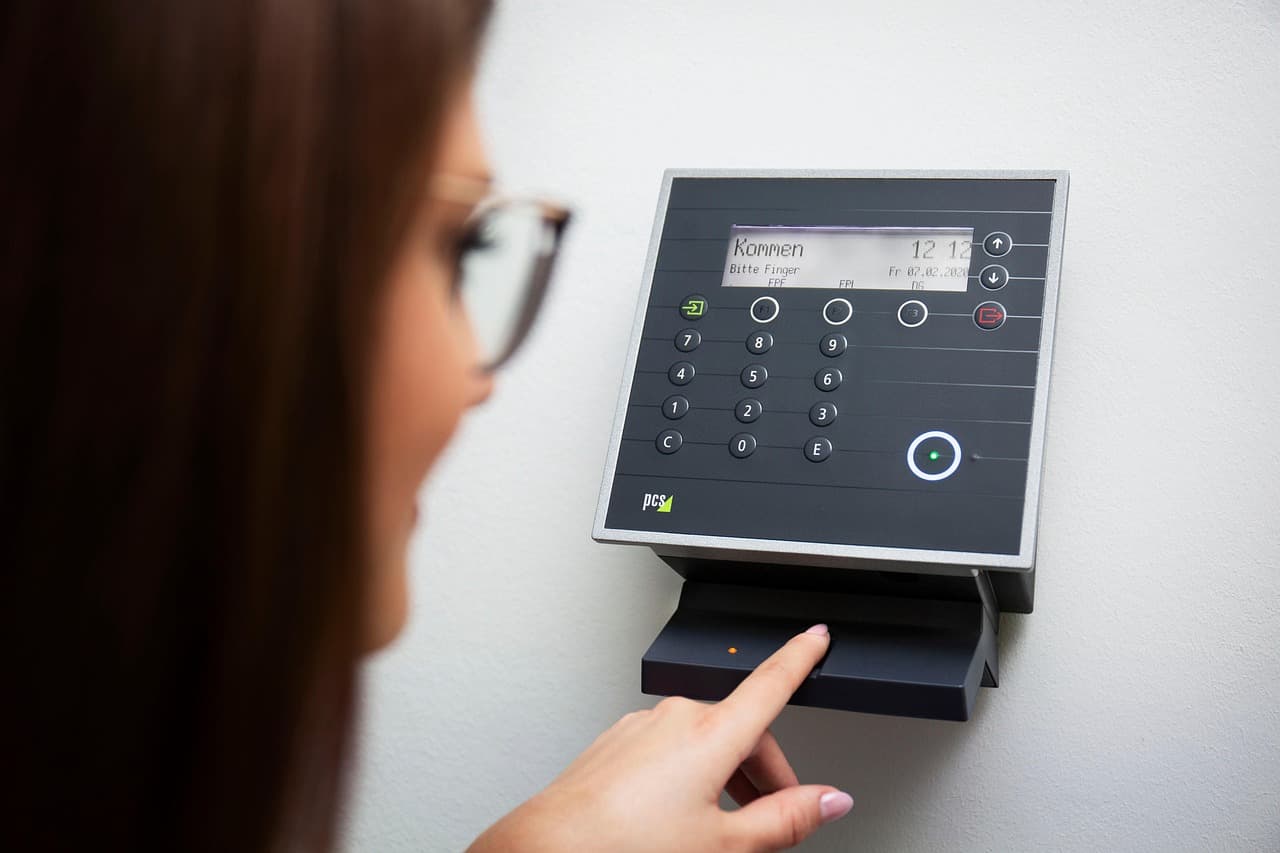
A staff check-in process should help a gated community verify expected arrivals, handle exceptions, and review access activity. It should also make clear what the record does not establish: a gate entry is not proof of hours worked, a completed service, or everyone currently on site.
Use this guide to define an operational workflow and test the proposed GoAccess configuration. Treat attendance, payroll, and emergency accountability as separate requirements that need their own validation.
Separate access approval from attendance
Identify the types of people who arrive: association employees, contracted security, maintenance teams, and recurring service providers. Agree who approves access, which entrances they use, and how changes reach the gatehouse.
If the community also needs timekeeping, ask the relevant employer or service provider how work time is verified. Do not use access timestamps as payroll-ready records without an approved reconciliation process and a suitable timekeeping system.
Write the exception rules before the demo
| Situation | Procedure to define |
|---|---|
| Expected staff member arrives | Verify identity and current authorization using the agreed process |
| Person is absent from the approved list | Contact the designated approver and record the decision |
| Worker arrives outside the approved period | Follow the exception process rather than assuming permission |
| Departure is missing | Investigate and document corrections; do not invent a checkout time |
| Shift changes | Transfer unresolved issues to the next authorized team member |
| Device or connection fails | Use the approved fallback and reconcile records after recovery |
For recurring companies and temporary crews, connect this process with the vendor-access lifecycle. Access approval does not establish that a contractor has completed the work or met every contractual requirement.
Test the proposed check-in configuration
Ask for a demonstration using sample people and representative entrances. Verify what staff must enter manually, what equipment captures automatically, and which credentials are supported.
Test an expected arrival, rejected permission, corrected record, and missing departure. Ask the team to show the resulting history and explain any limits. Confirm whether an alert is included, what triggers it, who receives it, and what happens when that person is unavailable.
Do not assume every reader, mobile credential, or reporting integration is included. Have the provider document what the proposed configuration supports and what remains a staff responsibility.
Make shift handovers practical
Keep a clear record of unresolved approvals, equipment problems, and corrections requiring review. Give each authorized staff member an appropriate individual account and agree who can change records or export information.
The paper-to-digital guide can help plan training and temporary fallback records. Define how those records are reconciled so a later upload does not create duplicate or misleading events.
Use records within their limits
Missing exits, shared credentials, and unmonitored entrances can make a current-presence list incomplete. Emergency accountability should follow the community’s approved plan; an access report should not be presented as a guaranteed headcount.
Likewise, a visit history may support an investigation but does not independently prove identity, attendance duration, or service quality. Review uncertain records with the responsible supervisor rather than drawing conclusions from one timestamp.
Pilot before expanding
Choose a defined shift or entrance and measure approval calls, unresolved exceptions, missing departures, and time spent correcting records. Agree acceptance criteria before the trial and compare the same measures with the current process.
Bring the workflow and exceptions to a GoAccess visitor-management demo. Review visitor management and, where relevant, GoVendor against those requirements. Confirm supported features, training, and ongoing support in the proposal.