Gate Entry Software for HOAs: Compare Systems & Services
Compare HOA gate entry software, equipment, and service options. Use a practical demo checklist to evaluate compatibility, migration, support, and total cost.
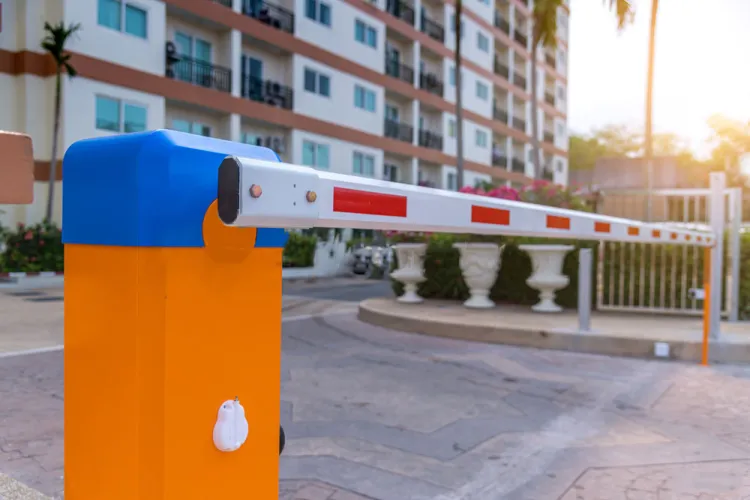
Gate entry software helps an HOA manage who is expected, who can enter, and what staff can review afterward. Choosing it means deciding how resident invitations, visitor check-in, vehicle credentials, gate equipment, and support will work together at your community.
This guide is for boards, community managers, and gatehouse teams evaluating an HOA gate access system. It compares the scope of five established options, explains where GoAccess fits, and gives you a practical way to assess proposals.
Written by GoAccess, a visitor management and community access provider. Product sources reviewed October 24, 2026. This is a provider-authored buying guide, not an independent ranking or a hands-on performance test.
Start with the entrance, not the app
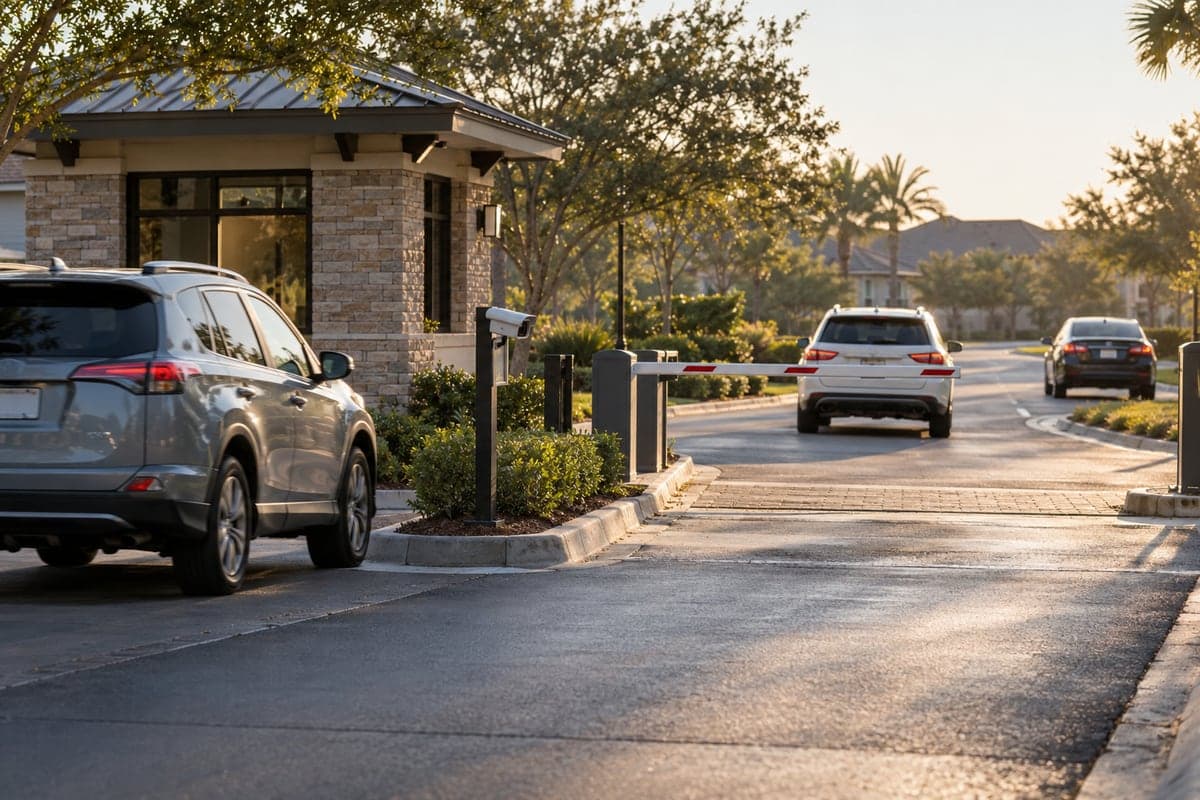
A resident app, a gate motor, and a staffed visitor service solve different parts of the same arrival. Before shortlisting software, describe each entrance: who uses it, when it is staffed, which equipment is installed, and who handles an unexpected guest.
| Your community's need | What to evaluate |
|---|---|
| A staffed gatehouse replacing paper logs | Household search, expected visitors, guest authorization, pass processing, and staff permissions |
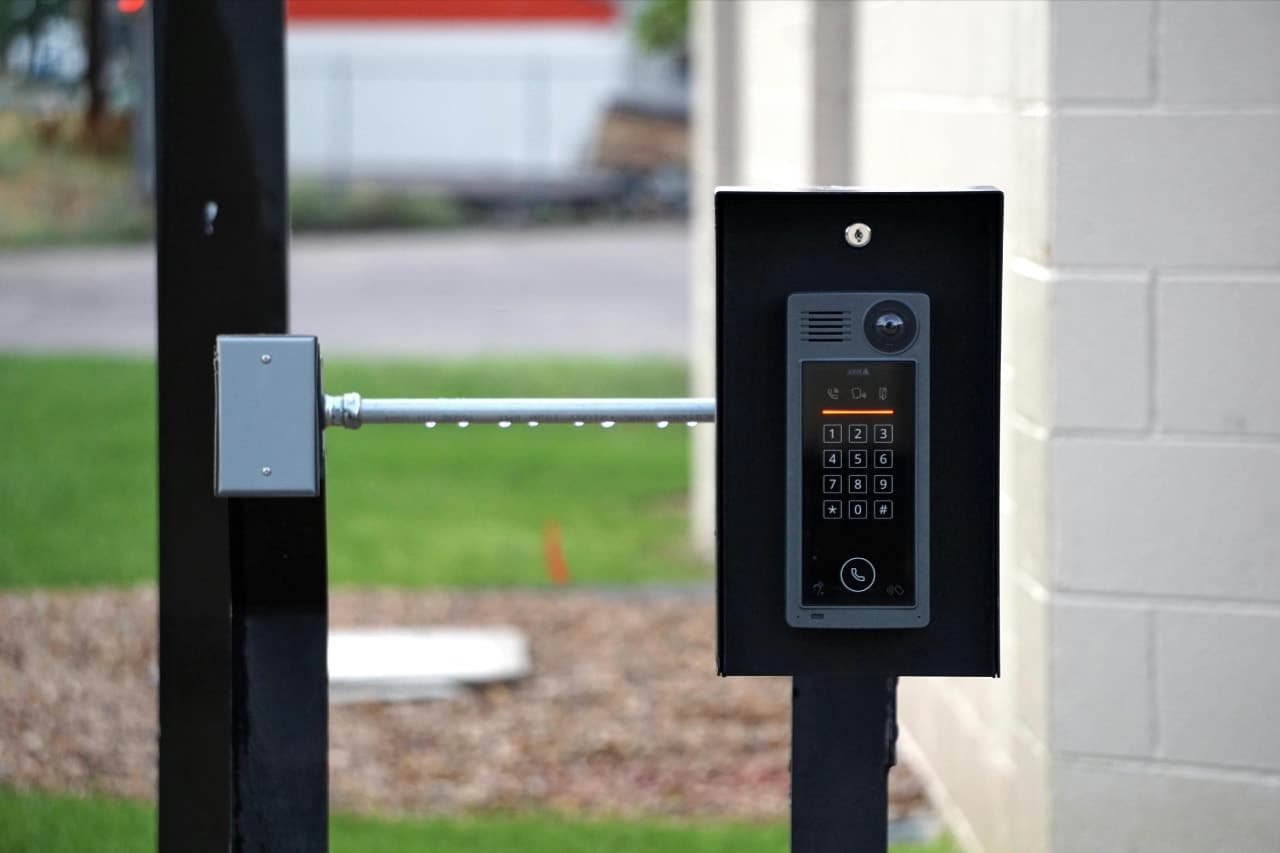
| An unattended entrance | Intercom or visitor verification workflow, compatible gate controls, connectivity, and escalation when someone cannot enter |
| Resident vehicle access | Credential enrollment and removal, reader compatibility, and vehicle recognition where proposed |
| Gates plus pools and clubhouses | Separate access schedules, amenity permissions, and records across the required entrances |
| A change of software provider | Data export, equipment reuse, training, a cutover plan, and a named support contact |
The software manages records and permissions; the installed controller and gate operator carry out physical access. A software purchase does not replace a qualified review of gate condition, safety devices, or emergency access. Our gate access installation guide covers the site questions to resolve with your installer.
Five gate entry options: compare the actual scope
The providers below are not interchangeable software subscriptions. Some focus on entrance equipment, others on broader access infrastructure or a staffed service. These are starting points for a shortlist, not a claim that one is best for every HOA.
ButterflyMX: vehicle access and connected entry equipment
ButterflyMX's vehicle access offering describes mobile entry, license plate recognition, and long-range vehicle readers. It is worth evaluating when the project includes the equipment and credentials used at vehicle entrances.
Ask the provider to specify which readers, controllers, cameras, and intercoms are included. Then demonstrate how a guest without a registered vehicle enters and how staff review that visit. Do not assume a vehicle-entry feature includes your entire guardhouse workflow.
DoorBird: video intercom and remote gate control
The DoorBird app supports visitor video and audio, door and gate control, and administration of compatible devices. It may belong on a shortlist where answering an entrance call and releasing the gate are central requirements.
For an HOA-wide deployment, ask how household directories, recurring vendors, staff access, and visitor records would work with the proposed models and configuration. An intercom demonstration alone does not establish that the system meets every visitor-management requirement.
LiftMaster and myQ Community: connected access equipment and management
myQ Community combines community access software with LiftMaster equipment for gates and other entrances. Distinguish this offering from a homeowner's personal garage-door app when asking for a proposal.
Have the installer identify the exact supported equipment, credential choices, subscriptions, and responsibilities for servicing a failed entrance. Confirm which existing components can stay after a site assessment.
Avigilon: broader access-control infrastructure
Avigilon Alta is a cloud-based security offering; Avigilon also offers the on-premise Unity portfolio. A proposal must identify the actual product and configuration rather than treating “Avigilon” as one fixed gate software package.
If the association is evaluating access across multiple facilities, ask how resident administration and visitor processing fit the proposed architecture. Separate the access-control scope from video, integrations, and ongoing administration costs.
Securiteam / SafeTouch: virtual guarding services
The former Securiteam website now directs visitors to SafeTouch virtual guarding. This is relevant when the board is considering a remotely staffed entrance service, rather than only replacing its software.
Request a written description of operator coverage, visitor verification, escalation, equipment, connectivity, and local service availability. Compare its service scope with your existing staffing arrangements; a software subscription and a staffed guarding proposal are different purchases.
Where GoAccess fits
GoAccess brings visitor management, gate access, and personal service to HOAs and gated communities. Our visitor management service connects resident invitations, digital guest passes, gatehouse check-in, and access records. Residents can use the web, iOS, or Android app; staff can find expected visitors and scan or print passes with compatible equipment.
For a community considering gate access control or license plate recognition, the next step is to review its entrances and required workflows. Equipment compatibility, migration scope, and support arrangements should be agreed for the specific installation. Our approach to onboarding and support explains what to discuss before a changeover.
For a documented community example, read Sun City Palm Desert's GoAccess rollout. That account provides deployment context; it does not establish a guaranteed reduction in costs or wait times for another HOA.
Ask every provider to demonstrate the same arrivals
Use fictional households and sample records in demonstrations. Give each provider the same scenarios, then record what was shown and what needs follow-up:
- Expected guest: a resident creates an invitation, the guest arrives, and staff find the correct household and record the visit.
- Unexpected arrival: the visitor has no pass, the resident cannot immediately be reached, and staff follow the community's approval policy.
- Recurring vendor: access is limited to an agreed schedule, then revoked when the work ends.
- Resident without a smartphone: show the supported alternative and the steps required to enroll it.
- Connection interruption: demonstrate which functions remain available, what stops, and how records reconcile after recovery. Ask for documented behavior for the proposed hardware.
- Move-out: remove the former resident's access and show how managers review the change without exposing unrelated household information.
For each scenario, ask who resolves a failure: the software provider, installer, gate maintenance company, or community staff. Record the support hours and escalation path in the proposal.
Compare total cost before choosing
There is no meaningful universal price without the number of homes, entrances, devices, and services. Ask for separate line items for software, equipment, installation, connectivity, data migration, training, maintenance, and any remote staffing. Identify renewal increases, optional features, contract length, and exit or export charges.
Use our HOA gate access cost guide to compare equivalent scopes over the same period. A low subscription price can exclude work that another proposal includes; a higher quote may also include services your community does not need.
Plan the transition before signing
Ask for a sample data import, an equipment compatibility list, a resident communication plan, and a staff training schedule. Assign responsibility for verifying household records, credentials, and permissions. Agree on launch checks and a fallback procedure before retiring the old system.
If you are replacing FRONTSTEPS Dwelling, our dwellingLIVE alternatives guide covers the additional questions about existing services and exported records.
Bring your community's requirements to a GoAccess demo
A useful first conversation starts with your household count, staffed and unstaffed entrances, current equipment, provider renewal date, and the arrival process you most want to improve. Request a GoAccess demonstration to walk through that scenario and discuss an implementation scope for your community.