Types of Wireless Access Control for Homeowners Association
Compare wireless credentials and equipment connections for HOA entrances, including compatibility, power, range, fallback entry, and ongoing costs.
“Wireless access control” can describe several different parts of a system. A credential may communicate with a reader without contact while the reader still uses wiring for power or its controller connection. A cloud-managed system also does not necessarily use wireless equipment at the entrance.
For example, HID’s R95 reader documentation describes contactless credentials alongside a separate reader-to-controller communication interface. This illustrates why the two connections should be evaluated separately; it is not a GoAccess compatibility statement.
Before comparing products, ask the supplier to identify what is wireless, what still needs wiring, and how each entrance makes an access decision.
Separate credentials from equipment connectivity
A credential identifies a permission to check. The equipment connection carries information between components. Treat them as separate buying decisions rather than assuming that choosing a phone or fob determines the entire installation.
| Option | What to verify |
|---|---|
| Contactless card or fob | Supported credential technology, reader compatibility, enrollment, and replacement process |
| Mobile credential | Supported phones and reader technology, activation steps, and an alternative for people without a compatible phone |
| PIN or keypad | Whether codes are individual or shared, supported schedules, and code-change procedures |
| Wireless equipment connection | Which components communicate wirelessly, site coverage requirements, power source, and behavior during interruption |
| Cloud management | Which functions require internet access and what decisions the local equipment can make without it |
Biometric identification is a separate capability, not a connectivity type. Do not assume it is included or inherently the best choice. Any proposal involving biometric data needs its own suitability and data-handling review.
Check the existing entrance first
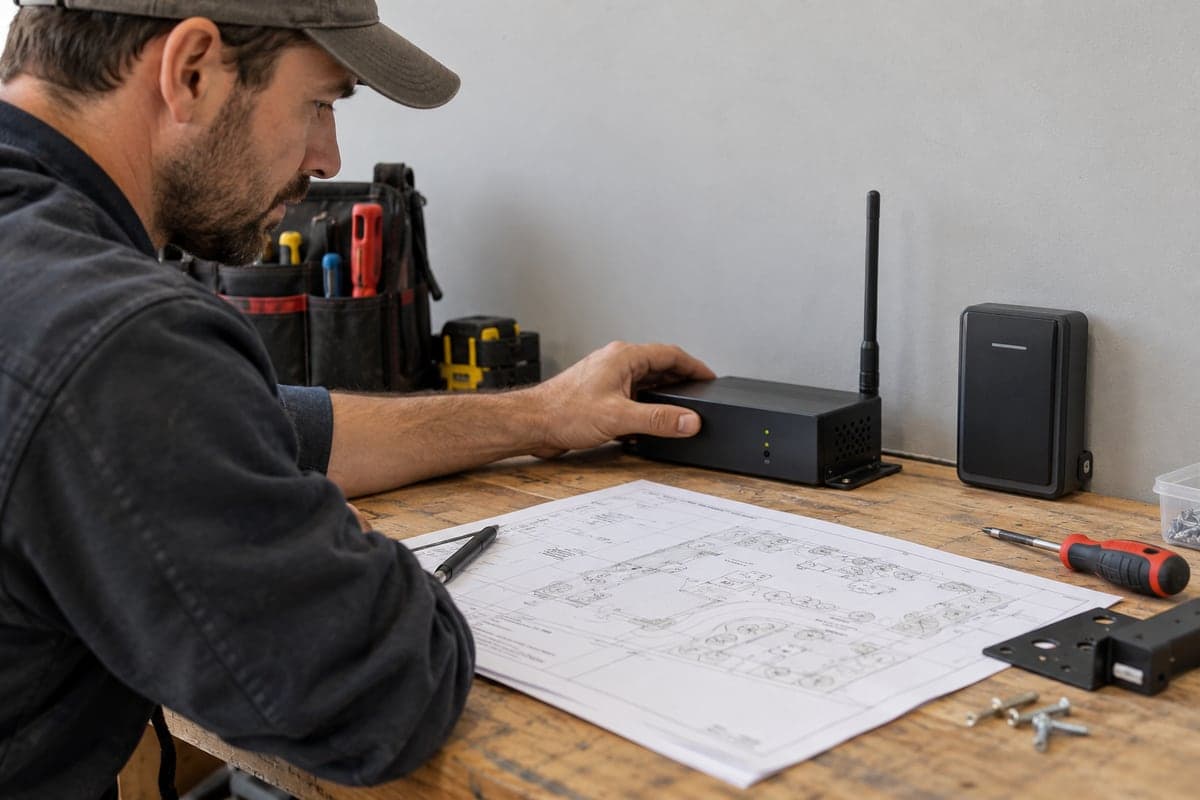
Bring the installer an inventory of readers, controllers, locks or gate operators, power supplies, and available network connections. Ask for written compatibility confirmation for the exact models and credential formats. A broad claim that a product supports RFID or mobile access does not establish compatibility with every reader.
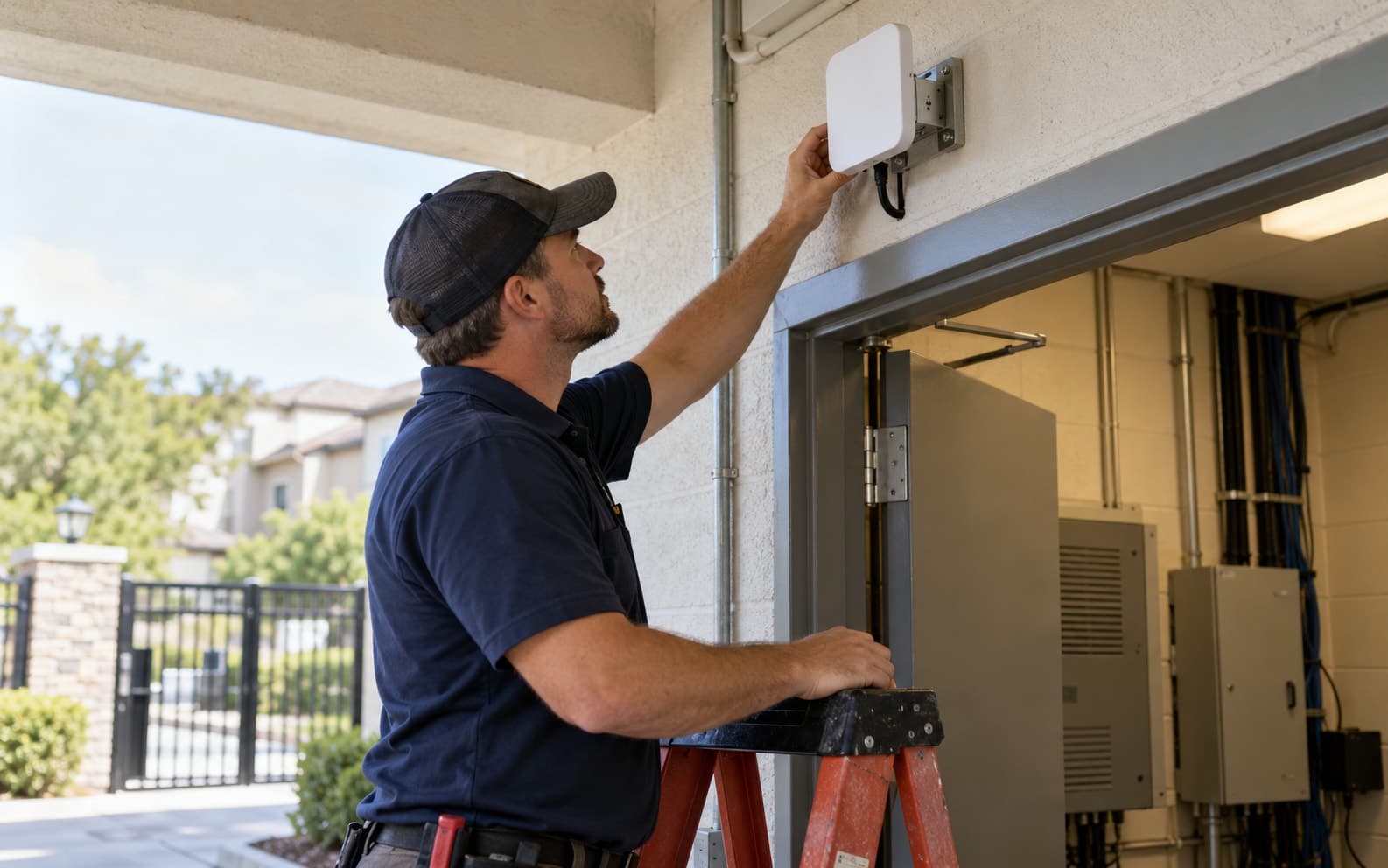
Have a qualified installer assess mounting, distance, obstructions, environmental ratings, and any required wiring. Request a site test rather than relying on a headline wireless range. If comparing keypads specifically, use the distinct wired-versus-wireless keypad guide.
Test ordinary use and failure conditions
Ask for a demonstration of credential activation, an approved arrival, a revoked permission, and an expired guest authorization. Where phones are involved, include the supported process for replacing a phone and helping a resident who cannot use that method.
For battery-powered equipment, ask how battery condition is monitored, who replaces batteries, and what happens when power is low. For network-dependent functions, verify what remains available during an interruption and how pending changes are applied afterward. These behaviors depend on the proposed equipment and configuration.
Physical safety and emergency arrangements belong in an installer-approved plan. Do not improvise gate-control changes to test a software failure.
Compare itemized proposals
Avoid a universal per-door price: equipment, wiring, installation conditions, licenses, training, and service arrangements can change the scope. Request separate costs for each component and ongoing responsibility, including replacement credentials and any optional integrations.
The broader wireless access guide provides related context. Keep this comparison focused on the specific credential and connection choices in your proposal.
Confirm what the proposed GoAccess setup supports
Review gate access control and amenity access, then ask which hardware and credential workflows fit your site. A technology discussed in this guide is not a promise that every GoAccess configuration supports it.
Request a demo with your equipment list and preferred resident-entry methods. Use the same acceptance scenarios for every supplier so the comparison is based on demonstrated behavior.