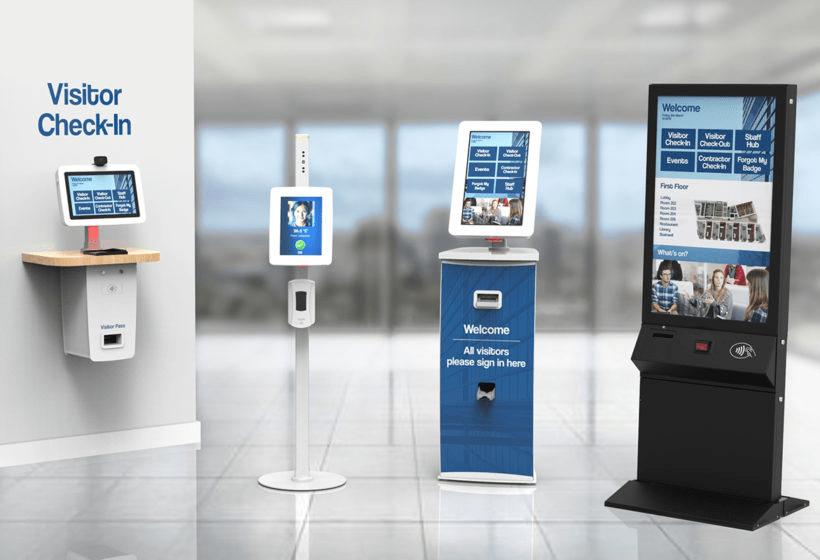
Visitor Logs in HOA Emergency and Evacuation Planning
Plan how HOA staff can use visitor records during an emergency, with clear responsibilities, roster limitations, outage procedures and a practical review checklist.
Visitor records can support an HOA’s emergency planning, but a check-in record is not proof that someone is still on the property or has reached safety. The useful buying question is how staff can retrieve, interpret and share those records within the community’s approved response plan.
Start with the community’s emergency plan
Identify who coordinates the response, who can retrieve visitor information and who communicates with responders. OSHA’s workplace evacuation guidance discusses accounting for visitors and contractors and using sign-in lists at assembly areas. It is workplace guidance, not a universal requirement that every HOA buy a particular system.
The Ready Business planning template also assigns responsibility for bringing rosters and visitor logs to an assembly area. Have the appropriate local authorities and qualified advisers review the plan for your property. Visitor-management software does not itself establish code compliance.
Understand what a visitor record can tell you
| Record | Useful context | Important limitation |
|---|---|---|
| Invitation | Who was expected and which household invited them | An invitation does not confirm arrival |
| Recorded entry | When an arrival was captured | It may represent a vehicle or credential rather than every occupant |
| Recorded departure | An exit event, where the installation captures it | Missing departure data does not prove the visitor remains on site |
| Staff confirmation | An update from the team following the response plan | It needs a time and a clear source |
Treat missing, duplicated and stale records as uncertainties. Do not describe a gate log as live location tracking or an automatic headcount.
Questions to bring to a demonstration
Ask a provider to demonstrate these steps with fictional records before choosing a visitor-management service:
- Find the relevant arrival records using an authorized staff account.
- Show the timestamp and explain what each event represents.
- Demonstrate the available export or print process, if offered.
- Explain permissions, retention and how records can be shared appropriately.
- Show what remains available if internet connectivity or local power is interrupted.
Record observed behavior and any dependencies in the proposal. Cloud hosting alone does not guarantee access during an outage. Establish a fallback procedure with the people responsible for the community’s plan.
Keep gate operations and emergency communication separate
Confirm responder gate access with the responsible local authority and installer. Do not assume visitor software can safely lock doors, control emergency egress, or override approved life-safety equipment.
Likewise, invitation messages and arrival notifications are not evidence of a tested emergency-alert service. If emergency messaging is a requirement, verify its supported channels, recipient coverage and failure procedures separately.
Review the workflow with your staff
Use a planned exercise to check who retrieves the records, how staff explain uncertainties and how information reaches the designated coordinator. Capture any gaps in training, permissions or connectivity and assign an owner to resolve them.
GoAccess connects guest invitations, gatehouse check-in and access records. Request a walkthrough to review those everyday workflows and the information available in your proposed installation. The walkthrough should establish the system’s role and limits within your community’s broader plan.