HOA Visitor Management Software: A Buyer’s Guide
Choose visitor management around your community’s arrival routines, with a practical demo checklist for residents, gate staff and property managers.
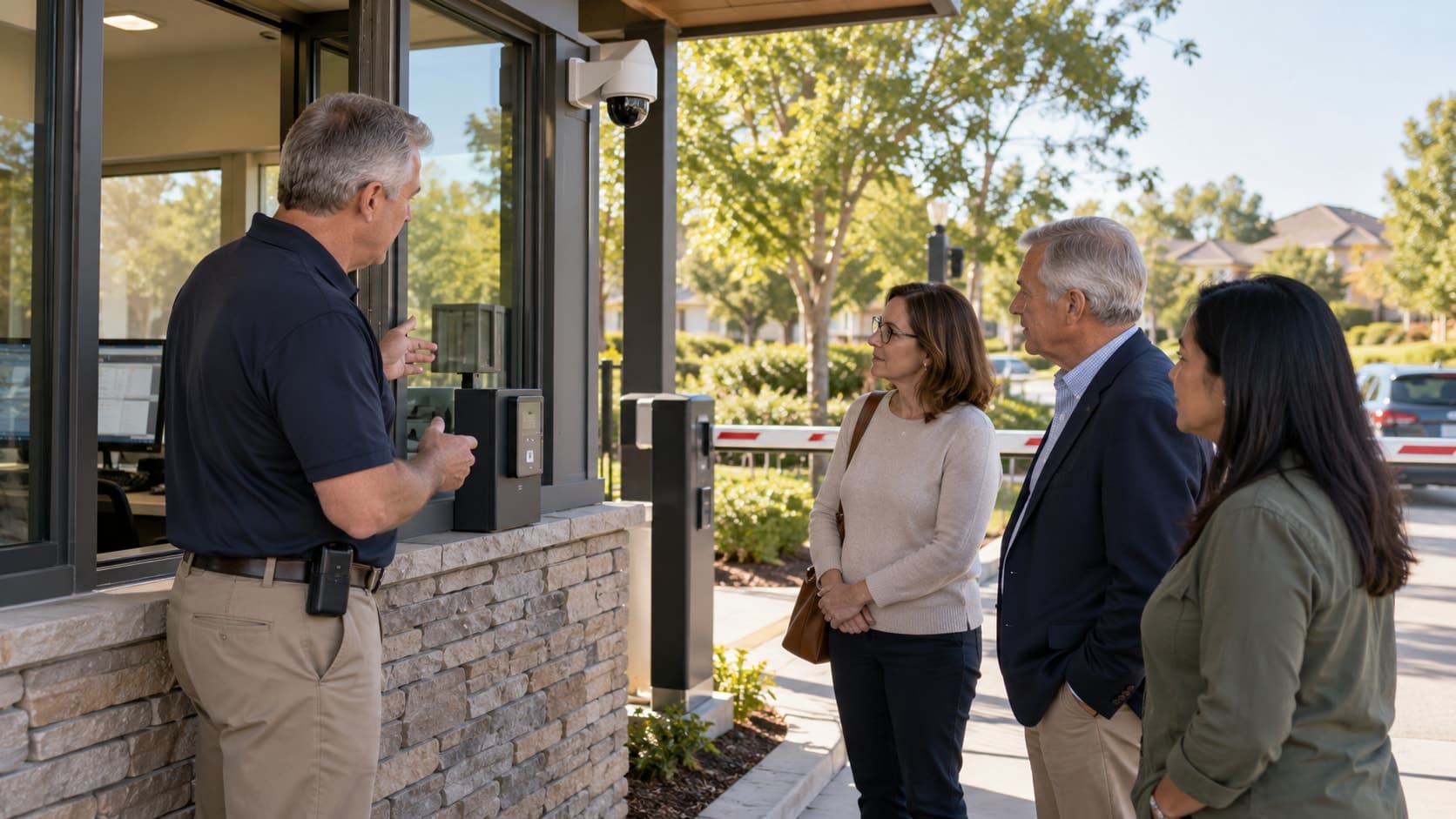
HOA visitor management software helps communities organize guest invitations, check-in and visitor records. The right fit depends on how your entrances operate: a staffed gatehouse, a resident-managed entrance and a community with several gates need different workflows.
Start with the experience you want residents and guests to have. Then ask each provider to demonstrate that experience using your community’s scenarios, rather than comparing feature names alone.
Map a guest’s visit from invitation to arrival
Write down who approves a visit, how the guest receives instructions and what staff should do on arrival. Include a guest without a smartphone, an unexpected visitor and a resident who cannot be reached. A useful demonstration shows both the routine visit and these exceptions.
If your shortlist also includes payments, community notices or maintenance requests, use the HOA resident-app comparison to separate those requirements from guest access.
GoAccess visitor management brings guest invitations, digital passes and gatehouse check-in into the community’s arrival process. Confirm which workflows and equipment are included in your proposed setup.
Use the same demo checklist for every provider
| Scenario to demonstrate | What your team should establish |
|---|---|
| A resident invites a guest | Steps required, delivery of instructions and permission expiry |
| A guest arrives without a pass | Staff verification and the association’s approval procedure |
| A household moves out | Who removes permissions and how existing invitations are handled |
| Several guests arrive together | Staff workload and the process at each entrance |
| A manager reviews a visit | Available records, search permissions and export options |
| Connectivity is interrupted | Which functions remain available and the staff fallback |
Record the demonstrated result, the required hardware and any additional cost. Ask for unresolved requirements to be addressed in the proposal.
Check equipment and records before choosing
Visitor software and the physical gate are separate parts of the project. Ask for an inventory of supported readers, controllers and credentials, along with responsibilities for installation and maintenance. Our gate-entry planning guide explains how to organize that review.
For visitor records, establish which fields you need, who may view them and how long they should be retained. Request the provider’s documentation for permissions, exports, deletion and security controls; a feature list is not a substitute for that review.
Compare the full proposal
Include software, hardware, installation, data migration, training and ongoing service in the comparison. Clarify renewal terms, replacement equipment and the process for exporting your records if you leave. Avoid assuming that a low starting subscription includes every gate or workflow.
Give onboarding the same attention as price. Name the person responsible for household records, resident communications and staff training. Sun City Palm Desert’s published rollout update offers a community example of household registration alongside gate-controller planning.
Plan a GoAccess demonstration around your community
Adapt the checklist to your location and operating conditions. The Florida guide covers seasonal arrivals and storm continuity; the Phoenix and Scottsdale guide addresses seasonal permissions and heat-exposed equipment; the Denver and Front Range guide considers multi-entrance workflows, shift handovers and weather-related service access.
Bring your entrance inventory, a few representative arrival scenarios and the questions your gate staff hear most often. Explore GoAccess onboarding, then request a demo focused on the way your community welcomes people.